
Technical Training Program
Join four days of in-person technical training and hands-on labs and earn Cisco Continuing Education credits along the way.
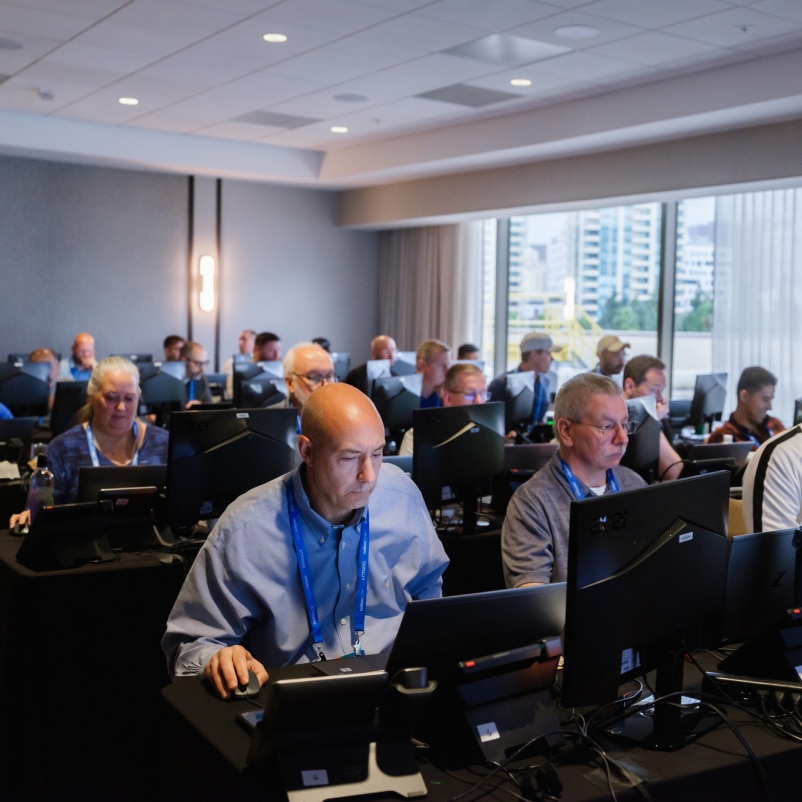

By participating in the Technical Training Program at WebexOne, you’ll earn Cisco Continuing Education (CE) credits for each class and lab you attend.

Put your skills to the test in our gamified, hands-on lab—no registration needed! Tackle real Webex challenges, earn CE credits, and climb the leaderboard. Just bring your training pass and jump in!
200+ hours of learning across four days
Attend four days of in-person technical training only at WebexOne.

Gain practical AI knowledge
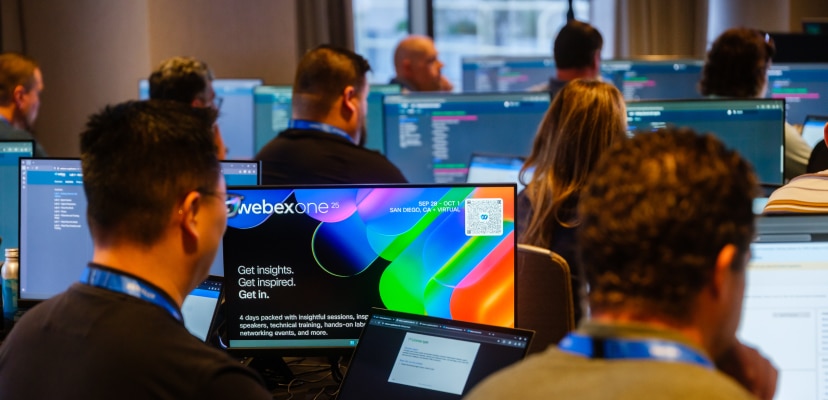
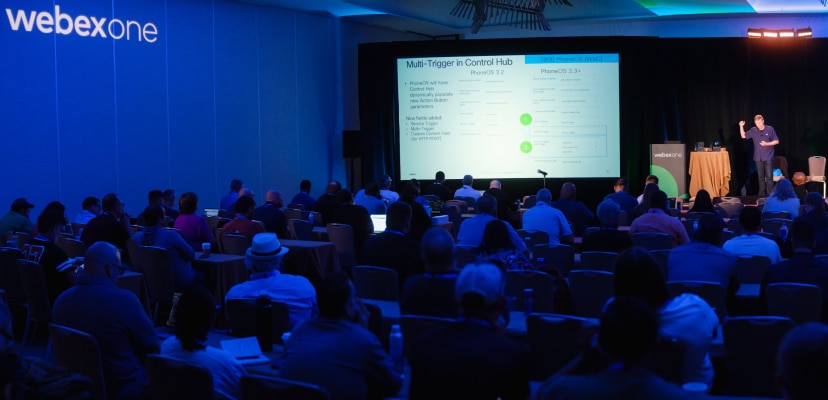
Learn how to drive better business outcomes through deep dives into Cisco AI Assistant, AI Agent, and Webex AI features across the portfolio—including Contact Center, Suite, and Devices.
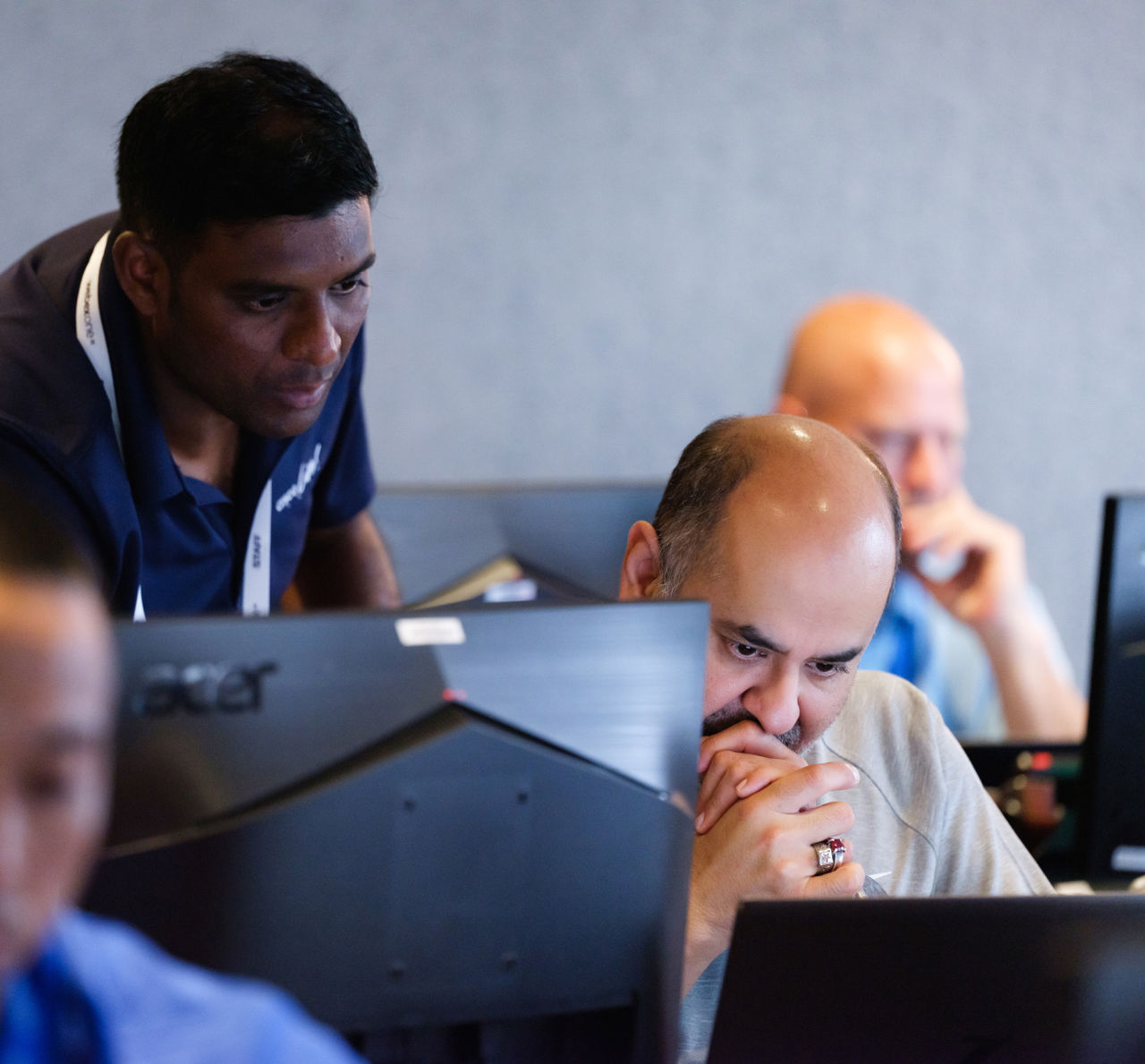
Get hands on with AI
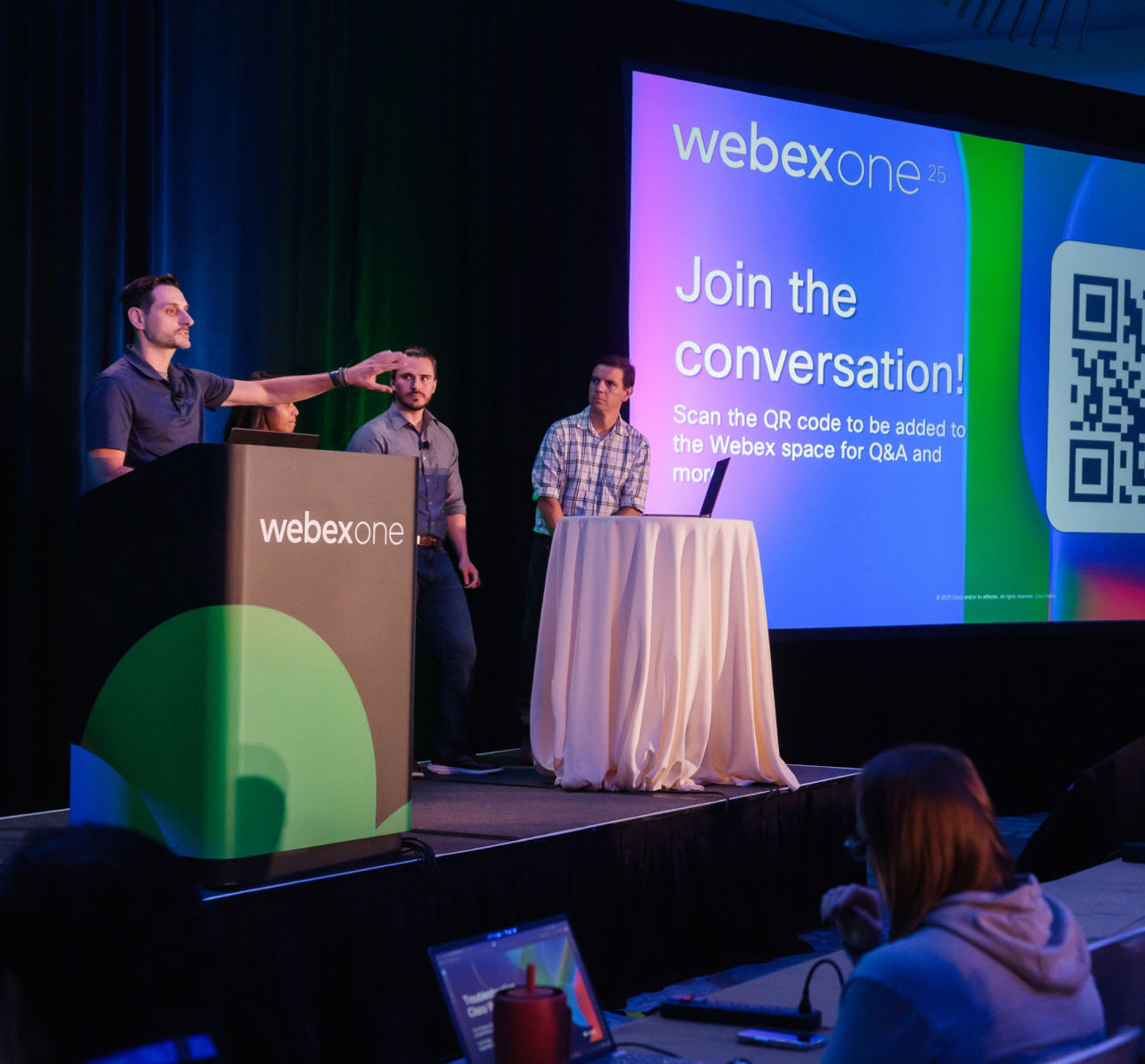
Build better customer experiences using AI Agent Studio, enhance employee experiences with AI-powered capabilities in the Webex Suite, and securely manage AI-driven experiences in Control Hub.
Learn AI best practices
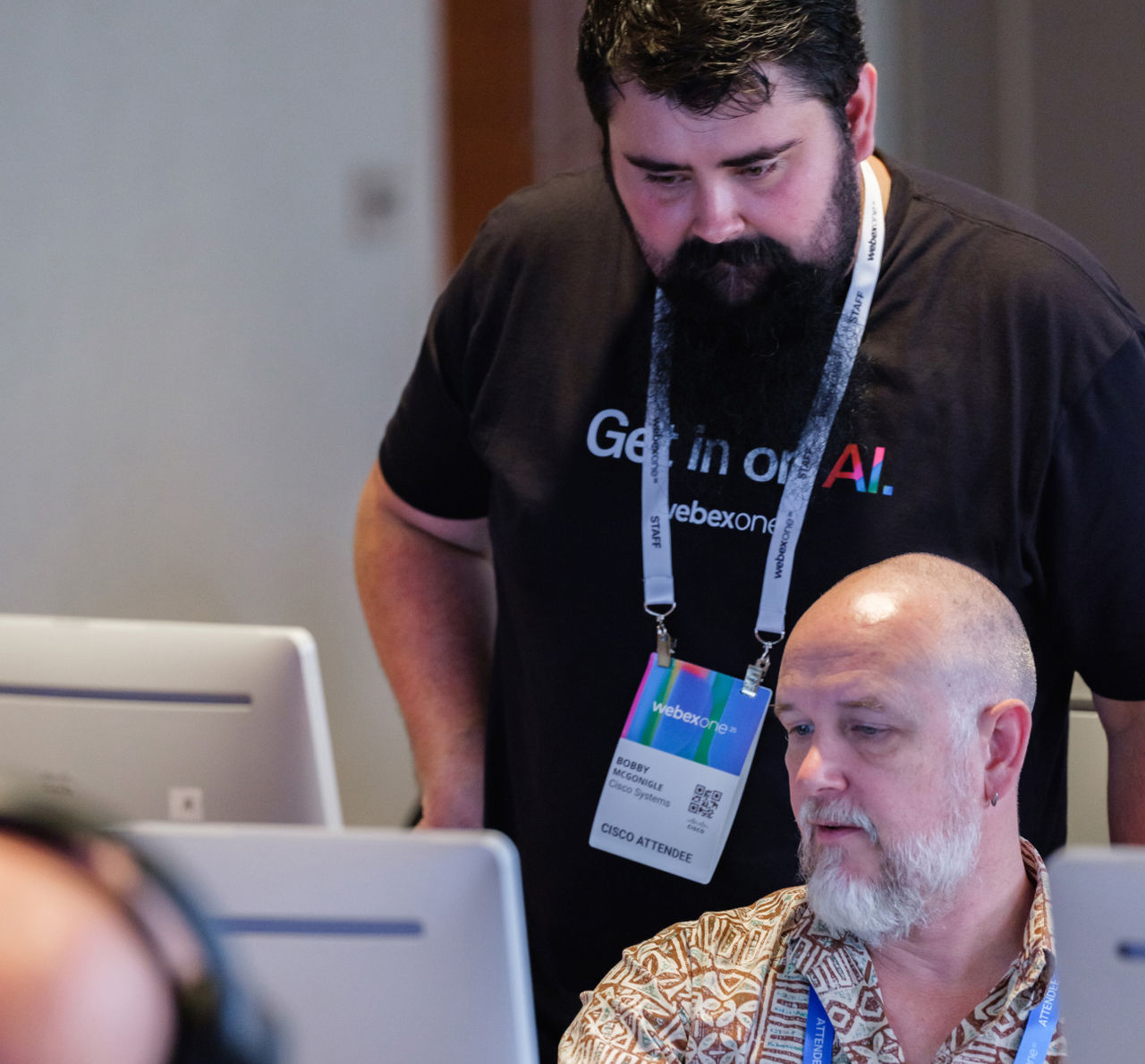
Gain actionable guidance on applying AI in your organization, including proven frameworks, methodologies, and principles for responsible AI design, deployment, and governance.
Exclusive networking reception
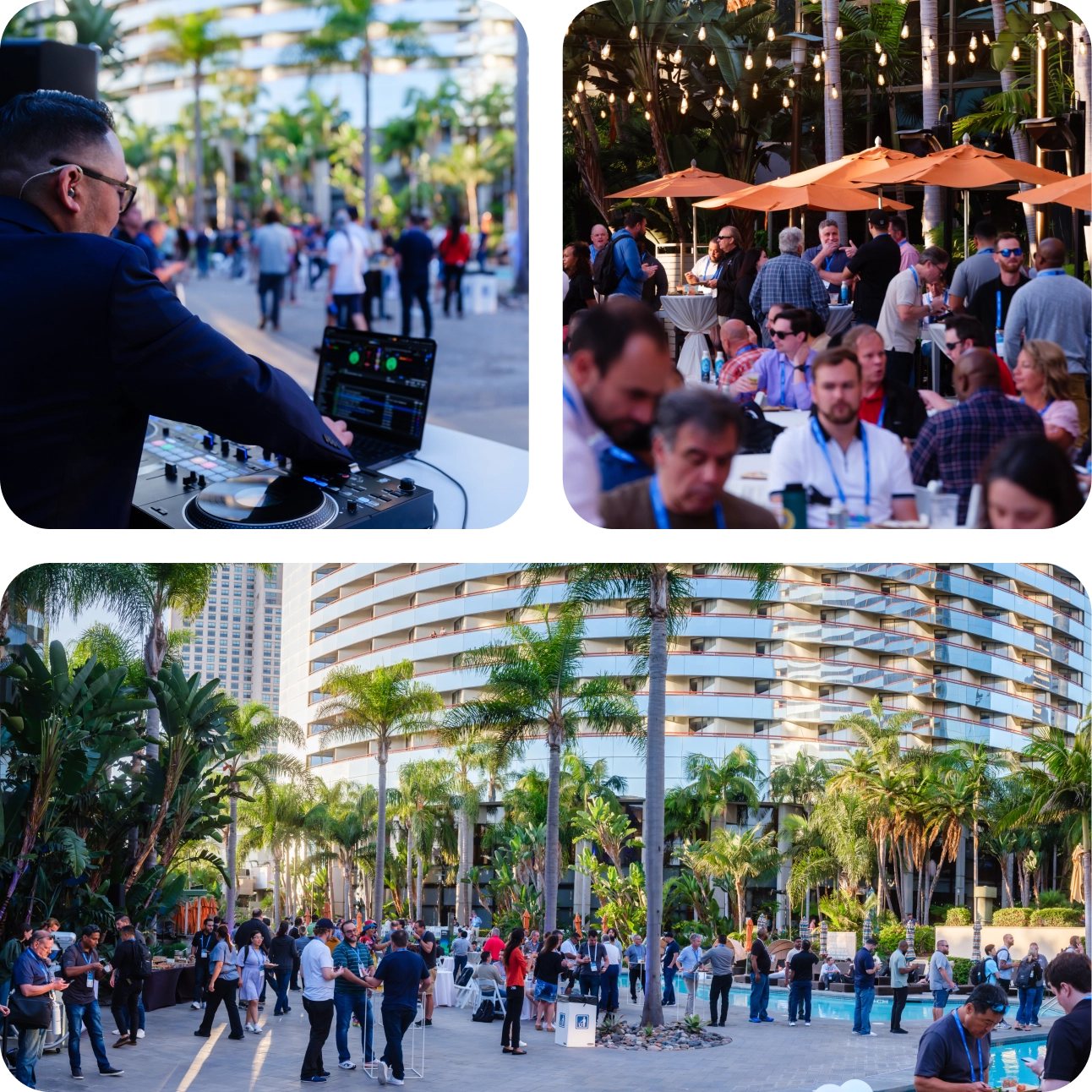
As a Technical Training Program attendee, you’re invited to an exclusive networking reception to connect with peers and instructors.

& CPaaS
Discover strategies to maximize customer satisfaction by listening, building, personalizing, and delivering differentiated experiences at every touchpoint.

Webex Suite
Learn how to configure and deploy cloud calling to scale your business, and take advantage of the full collaboration suite, including meetings, messaging, webinars, events, polling, and more!

Reimagine the workplace with a deep dive into intelligent video devices designed for every workstyle and workspace.

Learn best practices and design guidance for secure deployments, including privacy, compliance, and how to protect user identities.

Become an expert in Control Hub and learn how to easily investigate and pinpoint quality and configuration issues.

Learn how to use platform APIs, and integrate with Cisco products like Meraki, ThousandEyes, Spaces, and more!
Training FAQs
What is the WebexOne Technical Training Program?
The WebexOne Technical Training Program offers deep-dive technical classes, hands-on labs, and expert-led sessions designed to help IT professionals, administrators, and partners master the Webex and Cisco collaboration ecosystem, including AI integrations, cloud calling, and workspace design.
When does the Technical Training Program take place?
On-site registration and badge pick-up will begin Sunday afternoon, October 4. If you arrive in Austin early, beat the rush and come pick up your badge!
The WebexOne Technical Training Program kicks off Monday morning, October 5 at 8 AM and ends Thursday afternoon, October 8.
What’s new for 2026?
- Technical Training Agenda Builder: A new dedicated tool for selecting and managing your technical training classes and labs. We’ll update this page and share the direct link with all training attendees by email when it opens on September 10.
- One-lab selection period: From September 10 at 11 am ET / 4 pm BST until September 16 at 11 am ET / 4 pm BST you may reserve one lab to help ensure equitable access. Beginning September 16, the one-lab limit lifts, and you may add additional labs, subject to availability.
- WebexOne app for other programming: The WebexOne app launches September 22 and remains the place to build your agenda for keynotes, breakouts, roundtables, Quick Takes, and other non-training sessions. Technical training selections and updates must be made in the Technical Training Agenda Builder. Check our Agenda Page to review the full schedule with days & times.
When will the Technical Training Agenda Builder be available?
The Technical Training Agenda Builder is now open. Use the link below to log in with the email and password you used to register for WebexOne 2026.
Build Your Training Agenda Now
All Training pass holders may reserve one lab from September 10 at 11 am ET / 4 pm BST until September 16th at 11 am ET / 4 pm BST.
Starting September 16 at 11 am ET / 4 pm BST the lab limit lifts. You may then add additional labs on a first-come, first-served basis, subject to availability. A limited number of additional / repeat lab deliveries will be scheduled based on demand as capacity allows.
This registration process is designed to provide equitable access to labs while also allowing flexibility for additional selections and participation in the Capture the Flag gamified hands-on labs.
How do I choose my specific training labs and classes?
Instructions:
- Log in to the Technical Training Agenda Builder using your registration email and password.
- Browse sessions by date, track, or topic to find classes and labs that match your interests and schedule, or search for the title of the class or lab.
- Click a session name to read the full abstract, see who’s speaking, and review additional session information.
- Click Add to Schedule to add a class or lab to your personal agenda.
- Waitlist: Beginning September 16th, if a class or lab is full, click Add to Waitlist.
- Waitlisting does not guarantee access.
- Joining a waitlist blocks that time slot on your personal training agenda.
- Waitlisting prevents you from adding another class or lab during that same time slot, unless you leave the waitlist. You may leave the waitlist at any time to free up your slot. If space becomes available, you’ll be automatically added and notified by email based on waitlist order.
- New waitlist additions close Sunday, October 4th at 1 pm ET / 6 pm BST.
- Dropping a class or lab from your agenda will remove you from that session and release the seat for other attendees.
Tips and tricks
Scheduling: You cannot add classes or labs that overlap with one another.
- Click on the day/date labels to check every day of the program to explore sessions available from Monday, October 5th through Thursday, October 8th.
- Use the filters on the left side of the screen to narrow your options through My Favorites, My Sessions, Session Tracks, Session Topics, and Technical Depth.
Favorites: Click the heart icon to add a session to My Favorites. Favorites do not add a session to your agenda, but they are a helpful way to save classes and labs you may want to add or waitlist later.
WebexOne app for other programming: The WebexOne app launches September 22nd and remains the place to build your agenda for keynotes, breakouts, roundtables, Quick Takes, and other non-training sessions. Technical training selections and updates must be made in the Technical Training Agenda Builder. Check our Agenda Page to review the full schedule with days & times.
Capture the Flag: This program returns for 2026, offering a walk-in lab experience for Training pass holders—no prior registration required!
How many training classes can I attend?
Training pass holders may add as many classes to their agenda as the schedule and class capacity limits allow. However, you can’t add overlapping Training sessions.
If a class or lab is full
- Before the event: Beginning September 16, if a class or lab is full, click Add to Waitlist.
- Waitlisting does not guarantee access.
- Joining a waitlist blocks that time slot on your personal training agenda.
- Waitlisting prevents you from adding another class or lab during that same time slot, unless you leave the waitlist. You may leave the waitlist at any time to free up your slot. If space becomes available, you’ll be automatically added and notified by email based on waitlist order.
- New waitlist additions close Sunday, October 4th at 1 pm ET / 6 pm BST.
- Onsite: If a class or lab is full, you may join the queue outside the room. Beginning five minutes after the session starts, open seats may be offered to attendees in line if registered attendees have not checked in, based on waitlist order. If available seats remain when and if the waitlist has been cleared, attendees in the queue will be invited to fill remaining seats.
How many training labs can I attend?
To help ensure equitable access, you may reserve one lab from September 10 at 11 am ET / 4 pm BST until September 16 at 11 am ET / 4 pm BST. We expect many labs to fill quickly, so choose your preferred lab as soon as possible.
Starting September 16 at 11 am ET / 4 pm BST, the one-lab limit lifts. You may then add additional labs on a first-come, first-served basis, as your schedule and capacity allow. A limited number of additional and repeat lab deliveries will be scheduled based on demand and available capacity. We’ll send you a reminder email when the lab limit lifts on September 16.
If a class or lab is full
- Before the event: Beginning September 16, if a class or lab is full, click Add to Waitlist.
- Waitlisting does not guarantee access.
- Joining a waitlist blocks that time slot on your personal training agenda.
- Waitlisting prevents you from adding another class or lab during that same time slot, unless you leave the waitlist. You may leave the waitlist at any time to free up your slot. If space becomes available, you’ll be automatically added and notified by email based on waitlist order.
- New waitlist additions close Sunday, October 4th at 1 pm ET / 6 pm BST.
- Onsite: If a class or lab is full, you may join the queue outside the room. Beginning five minutes after the session starts, open seats may be offered to attendees in line if registered attendees have not checked in, based on waitlist order. If available seats remain when and if the waitlist has been cleared, attendees in the queue will be invited to fill remaining seats.
Additionally, the Capture the Flag program is returning for WebexOne 2026, allowing a walk-in lab experience for Training pass holders.
What is the stand-by policy for labs?
If a class or lab is full
- Before the event: Beginning September 16, if a class or lab is full, click Add to Waitlist.
- Waitlisting does not guarantee access.
- Joining a waitlist blocks that time slot on your personal training agenda.
- Waitlisting prevents you from adding another class or lab during that same time slot, unless you leave the waitlist. You may leave the waitlist at any time to free up your slot. If space becomes available, you’ll be automatically added and notified by email based on waitlist order.
- New waitlist additions close Sunday, October 4th at 1 pm ET / 6 pm BST.
- Onsite: If a class or lab is full, you may join the queue outside the room. Beginning five minutes after the session starts, open seats may be offered to attendees in line if registered attendees have not checked in, based on waitlist order. If available seats remain when and if the waitlist has been cleared, attendees in the queue will be invited to fill remaining seats.
Can I update my Training classes and labs selections in the WebexOne app?
No. For the Training classes and labs, you’ll need to make all selections from our special Technical Training Agenda Builder, accessible via your WebexOne 2026 Attendee Portal starting September 10.
Your Training agenda will be visible in the WebexOne app, but all selections and changes will occur in the Technical Training Agenda Builder only.
The WebexOne app launches September 22 and remains the place to build your agenda for keynotes, breakouts, roundtables, Quick Takes, and other non-training sessions. Technical training selections and updates must be made in the Technical Training Agenda Builder. Check our Agenda Page to review the full schedule with days & times.
What are Capture the Flag labs?
Capture the Flag (CTF) labs are gamified, self-directed learning environments designed to provide hands-on technical experience in aligning to WebexOne collaboration outcomes. They offer a walk-in format where participants can join during designated training hours, select a technical lab of their choice, engage in learning and building activities, and earn points. The program is flexible, allowing learners to fill gaps in their schedule or explore if they missed a scheduled lab. At the end of the program, participants who score highest on the leaderboard can win prizes, though the labs are also valuable for those simply looking to enhance their skills.
When can I pick up my badge on-site?
Registration & Housing Support Hours
Please bring a government issued ID to pick up your conference badge. Event check-in and badge pick-up will be open at the following times:
- Oct 4: 2:00 pm - 6:00 pm
- Oct 5: 7:00 am - 6:30 pm
- Oct 6: 7:00 am - 6:00 pm
- Oct 7: 7:00 am - 6:00 pm
- Oct 8: 7:30 am - 3:30 pm
Badge requirement
You must wear a WebexOne 2026 conference badge at all times to access WebexOne.
Who should attend the Technical Training Program?
Training is specifically geared toward Webex customer and partner administrators, engineers, and IT staff who are responsible for managing and architecting collaboration solutions. There are also foundational courses offered that are geared to new users or those interested in learning more about how the products work. It is ideal for those looking for "under-the-hood" technical knowledge and practical implementation skills.
What does the Conference Pass + Training to WebexOne include?
The WebexOne Conference Pass + Training includes access to everything in the Conference Pass as well as the Technical Training Program, beginning Monday morning, October 5 and ending Thursday afternoon, October 8.
The Conference Pass + Training includes:
- Four days of the Technical Training Program classes and labs
- Multiple classes with options for every level of learner, covering foundational knowledge, advanced administration, and architecture around key concepts and topics, including:
- AI
- Webex Calling
- Webex Contact Center
- Webex Connect
- Cisco Devices
- Apps & integrations and Webex Developer
- Webex Control Hub
- Webex Meetings, Messaging
- Microsoft integrations
- Interoperability
- Best practices & planning for migrations to the cloud
- Troubleshooting
- And more!
- Exclusive training attendee networking reception with instructors
- Capture the Flag walk-in labs
- All WebexOne 2026 programming, including:
- Live keynotes & breakout sessions
- Access to the Innovation & Solutions Showcase
- Access to hotel room block & pricing (as available)
- Access to our meeting program with executives & product experts
- Opening reception & evening celebration
- Webex Customer Awards Ceremony
- Complimentary breakfast and lunch Monday through Thursday
- Virtual content
- In-venue activities, experiences, networking, and more!
Do you offer Continuing Education credits as part of the WebexOne Technical Training Program?
Big news! The Continuing Education (CE) Portal is moving to Cisco U. Cisco certification holders read on to learn more and complete the steps for your transition.
Be sure to follow this blog post for more launch updates.
Yes, attendees of the WebexOne Technical Training Program can earn Continuing Education (CE) credits to apply toward maintaining or re-certifying their Cisco technical certifications.
Similar to the training and credits offered at Cisco Live events, each training class and lab will clearly display the number of CE credits you can earn. This information is outlined on the event website and Technical Training Agenda Builder within the WebexOne app.
You’ll earn Cisco CE credits for every class and lab you complete at WebexOne. Please note that these credits will be processed and should appear in your Cisco account within three to four weeks after the event.
To qualify for CE credits, participants must meet the attendance requirements. The CE program is available to individuals with active Cisco certifications at the associate, specialist, professional, or expert levels.
For more information on the Cisco CE program, view this user guide.
How much does it cost to attend the Technical Training Program?
Conference Pass + Training (includes access to the full event plus technical training classes and hands-on labs)
- Early Bird: $999 | May–July 17
- Advance: $1,099 | July 18–September 4
- Last Chance: $1,199 | September 5–October 8
Is there special pricing for the Government and Public Sector?
Yes. We offer Government and Public Sector tickets for both the Webex One Conference and Conference + Training at a significantly discounted rate. These ticket prices are valid across all dates, pending availability.
Government/Public Sector Prices:
- Government/Public Sector Conference Pass + Training: $649
During registration, choose one of the Government options from the "What industry are you in?" drop-down question.
Please note: Cisco complies with all applicable gifting and discount regulations for Government and Public Sector accounts. Additional discount codes cannot be applied to these passes, and all pricing must adhere to relevant policies and requirements. This ensures compliance with Cisco's Gift, Travel, and Entertainment (GTE) Policy, and avoids potential conflicts of interest.
How do I register for the Technical Training Program?
To access the training program, you must purchase a Conference Pass + Training ticket. Standard Conference Passes or Virtual Passes do not include access to the technical training courses or hands-on labs.
Can I use Cisco Learning Credits (CLCs) as a payment option for a Conference Pass PLUS Training Ticket?
No. There’s no option to use CLCs as a payment option for WebexOne tickets for 2026.
Are the training and hands-on labs offered with the Virtual Pass, as well?
No. The training courses and hands-on labs will only be offered for in-person attendees and are not available to those with a Virtual Pass or On-Demand Pass.
Will training sessions be offered virtually?
No, the training sessions are only available for attendees in person at the event. Training will not be available to attendees that sign up for the free Virtual Pass.


