




2-4

8-12m2 / 85-130ft2
Huddle Room
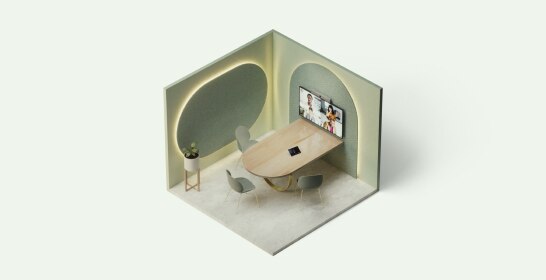
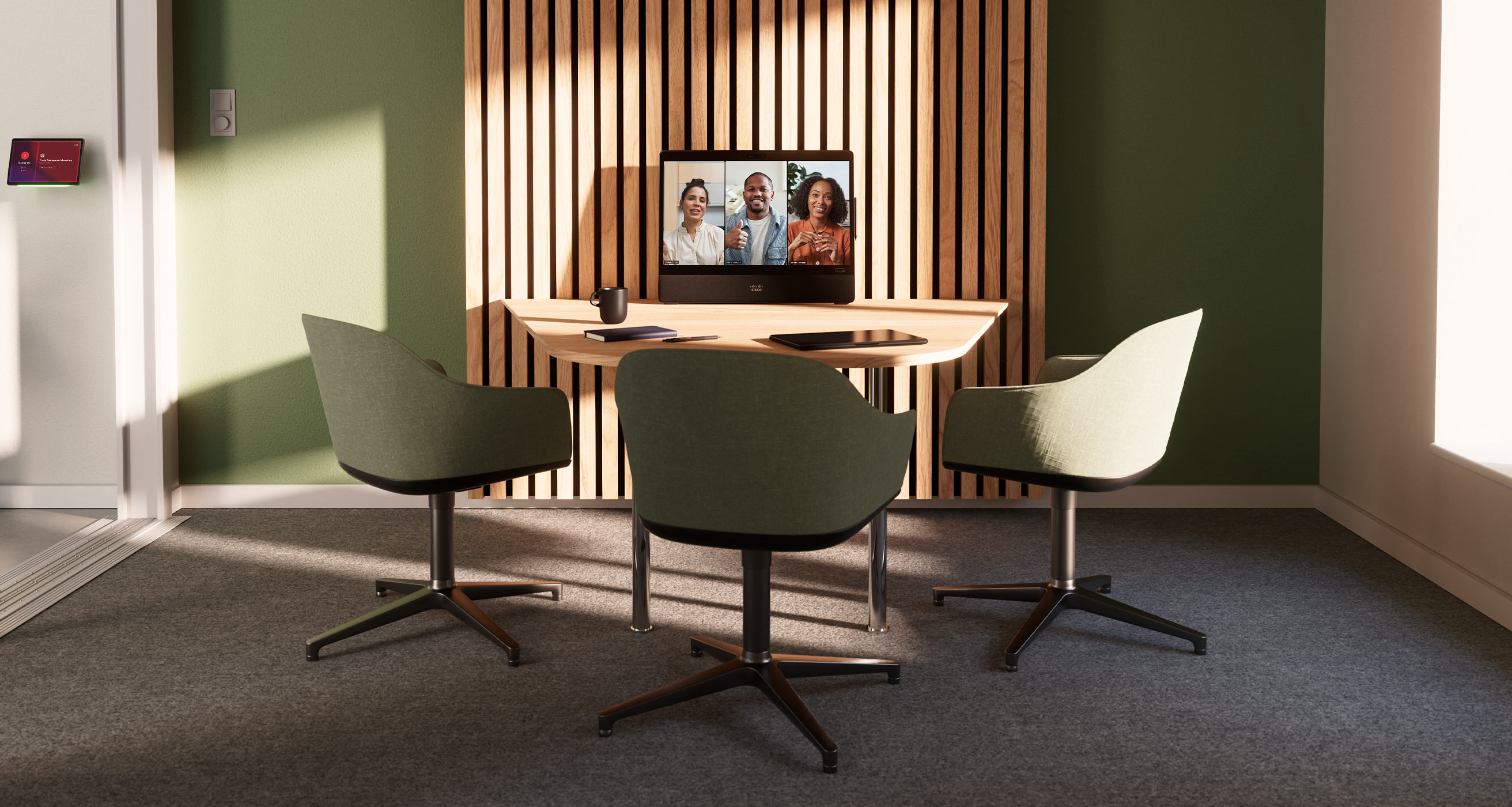
Turn your huddle spaces into vibrant collaboration hubs with an easily deployable workspace blueprint.
-
2-4
-
8-12m2 / 85-130ft2
- Devices
- Blueprints
- Room Design
- Resources
- Scenarios
2-4
8-12m2 / 85-130ft2
Create vibrant and flexible hubs for ad-hoc collaboration where teams can connect, share ideas, and make decisions.
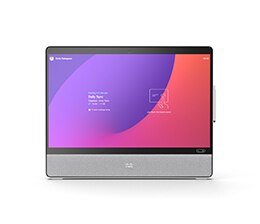
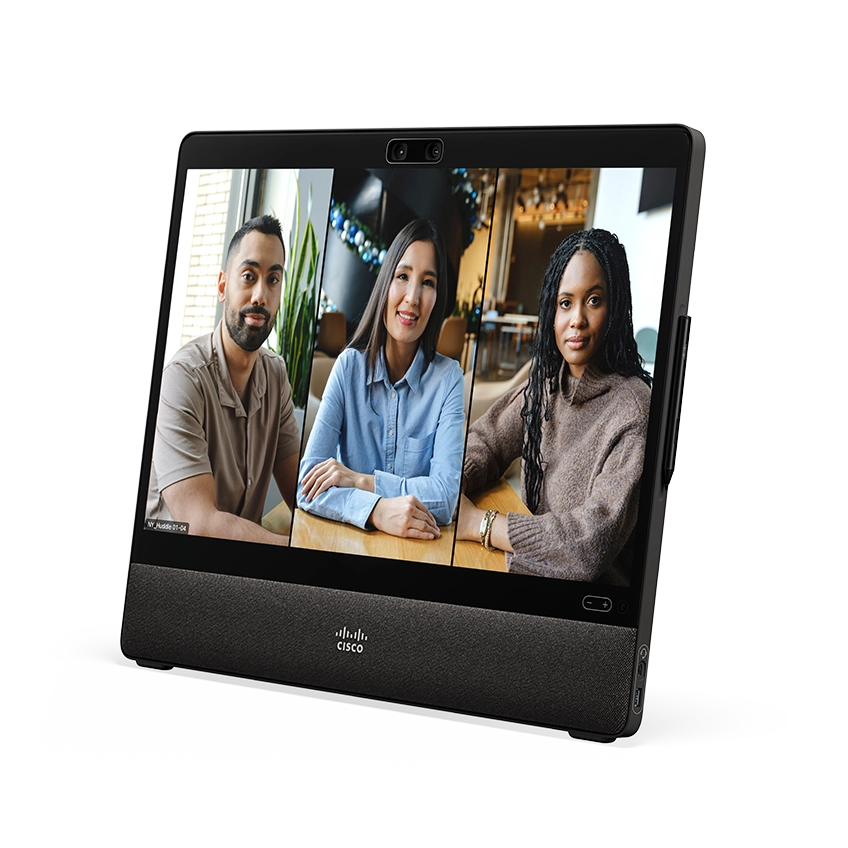
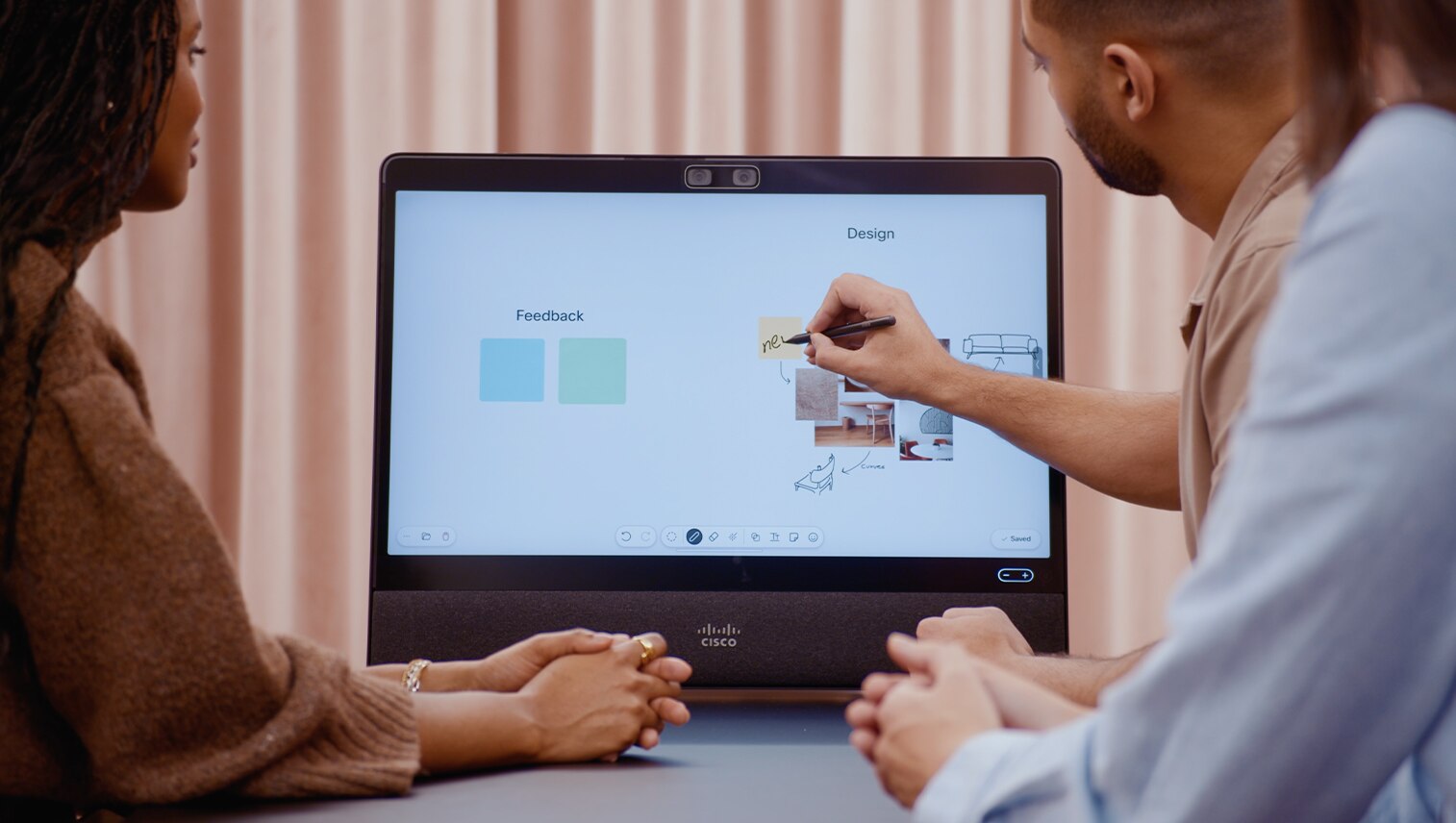
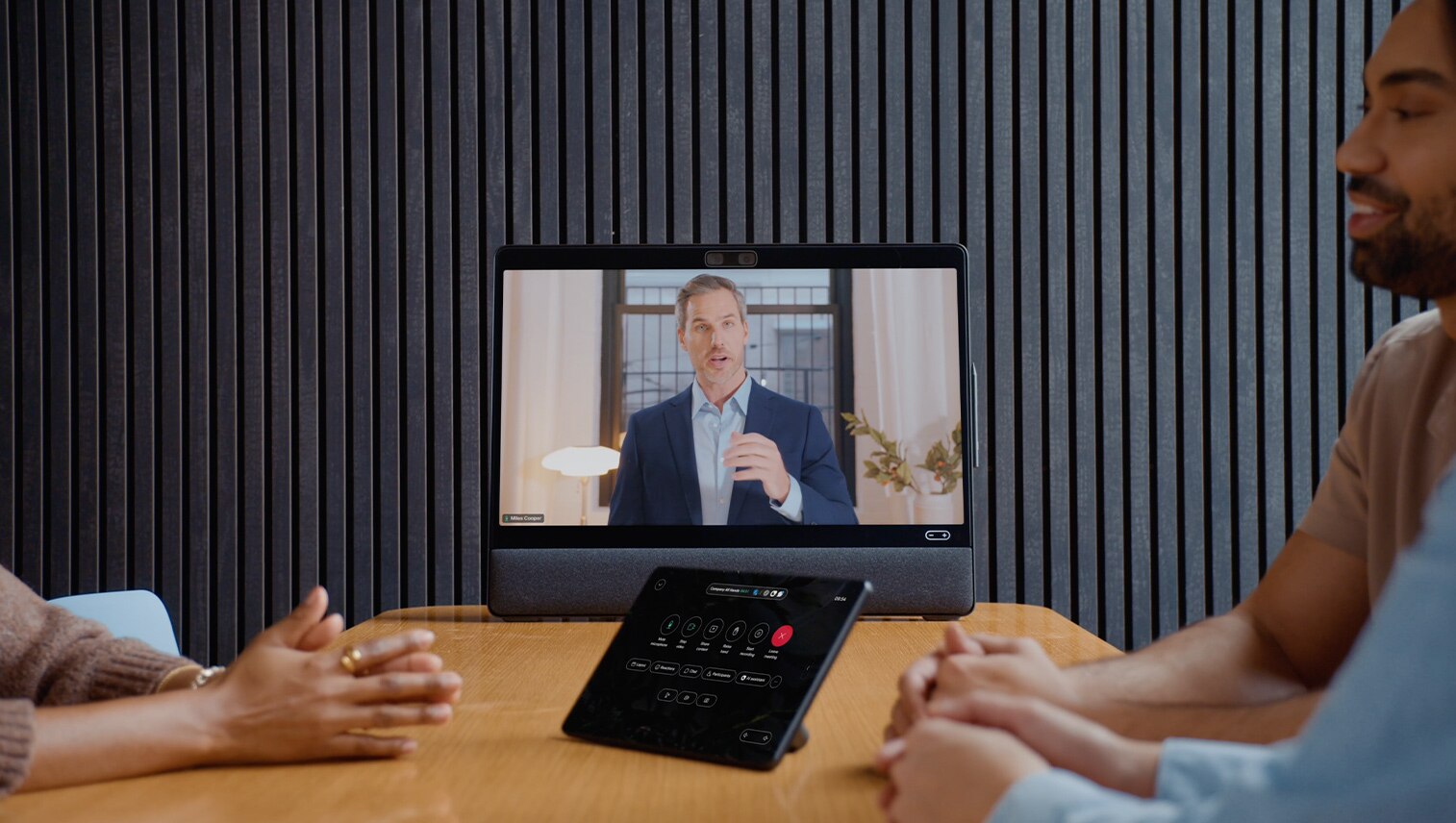
Deliver exceptional experiences with stunning 4K live video and content sharing on a 27-inch interactive touch display, intelligent participant framing, crystal-clear audio capture for every voice, and superior sound quality that sets a new standard in huddle spaces.
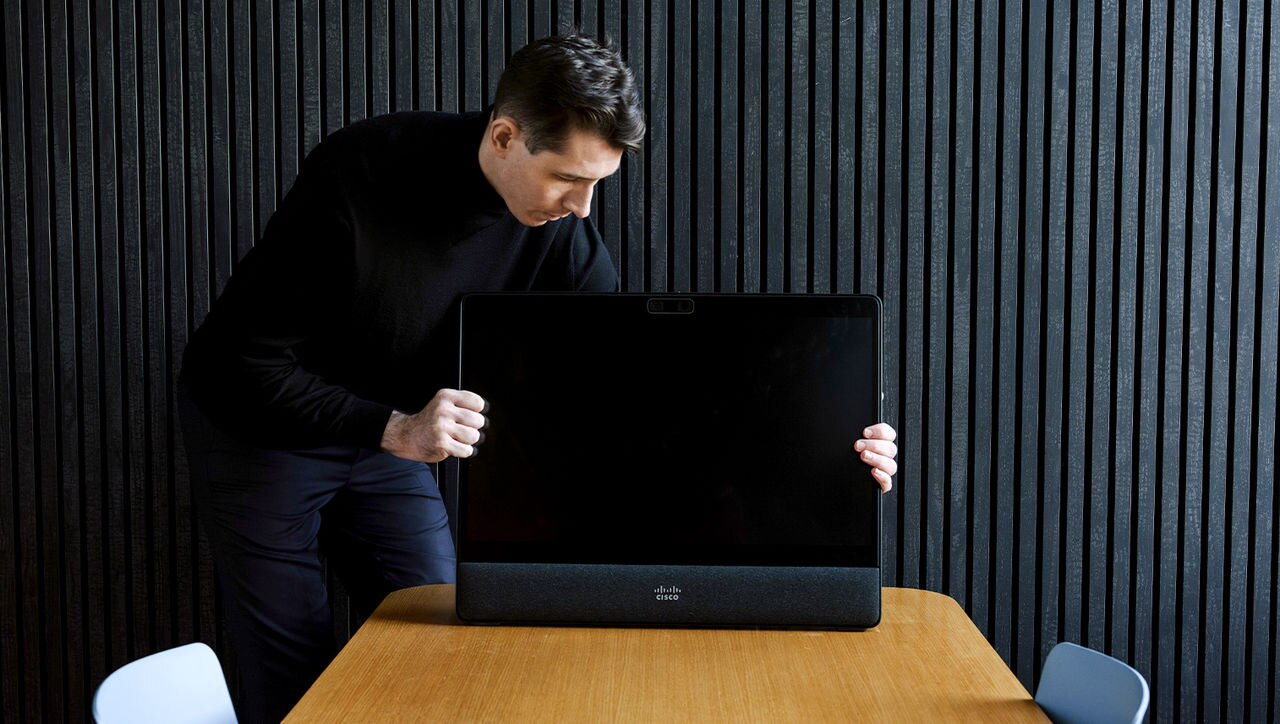
Design your perfect huddle room and streamline your deployment at scale with a device that takes minutes to set up, saving IT’s time and getting your teams connected faster than ever.
Ensure optimal conditions in the room for employee wellbeing, track occupancy and usage, and optimize space allocation with sensor-driven insights.
Simplify your room deployment.
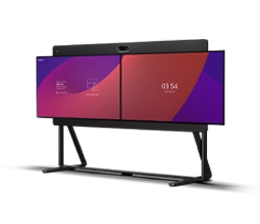
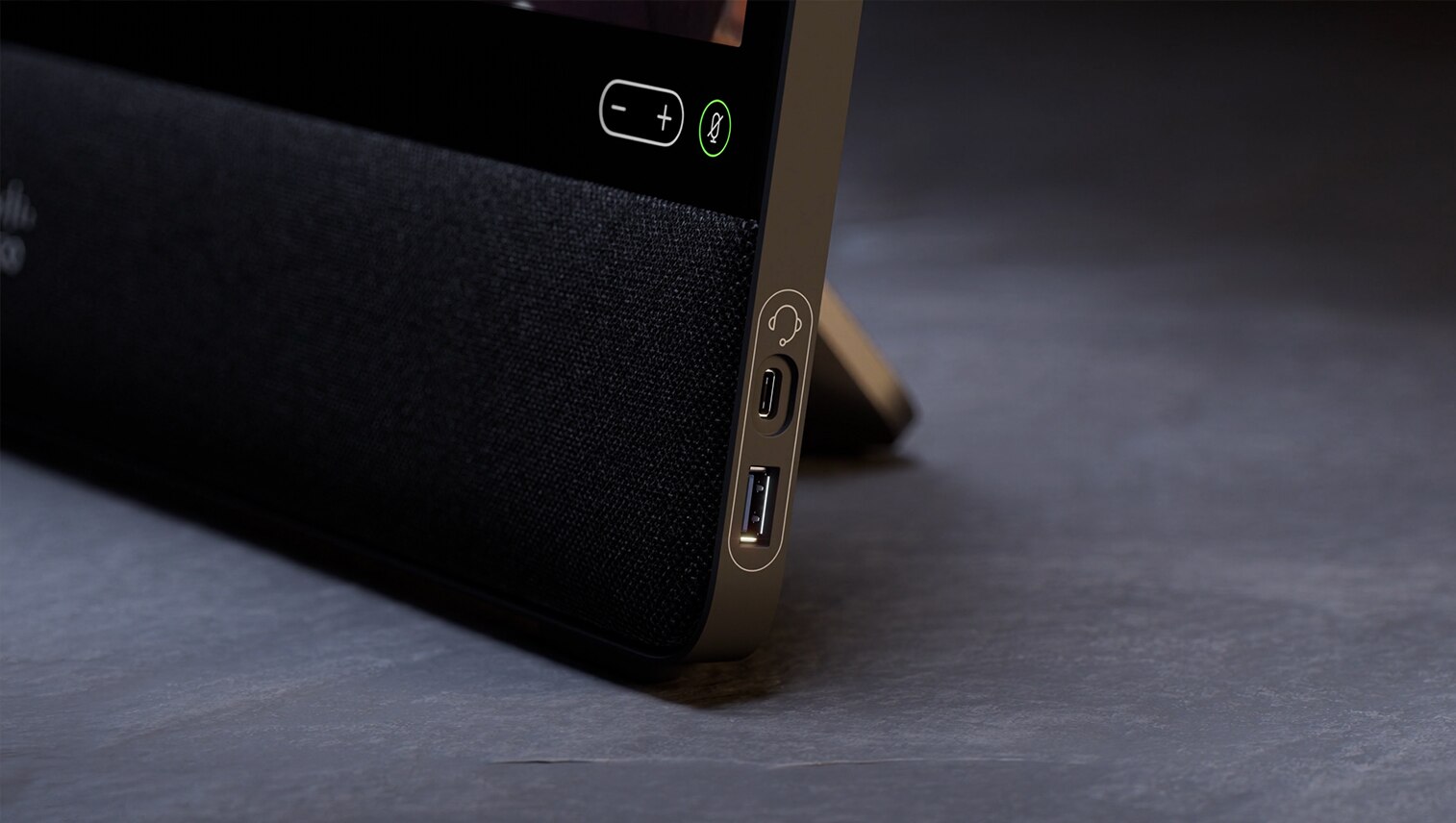
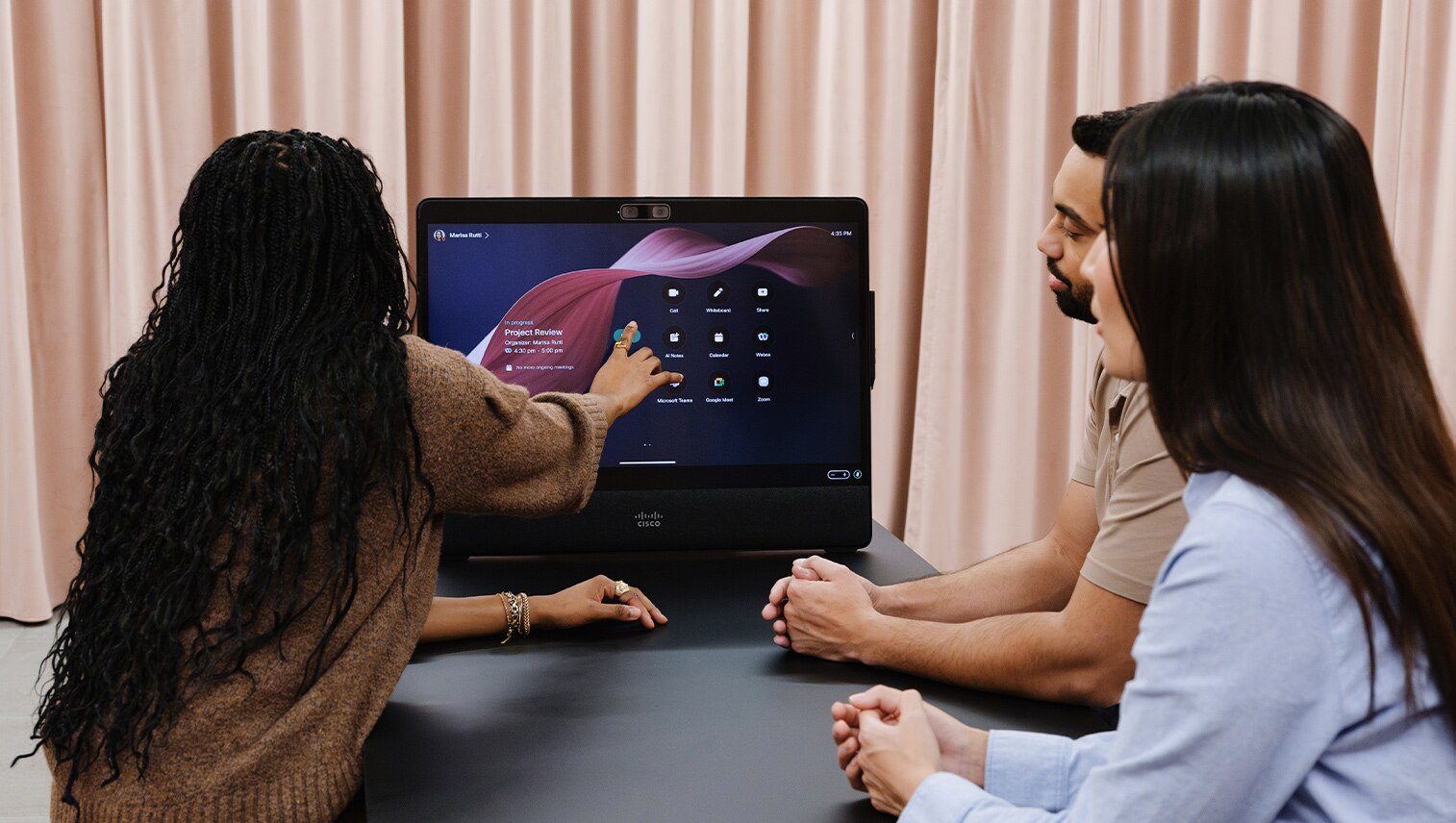
Video-enable your spaces at scale with the Desk Pro G2, an all-in-one collaboration display for meetings, presentations, and ideation. Available with foot stand or VESA mount for wall, its rapid setup and integrated form factor allows for a simple, repeatable blueprint that takes the guesswork out of installation, troubleshooting, and maintenance, enabling a streamlined approach to optimize your workspaces at scale.
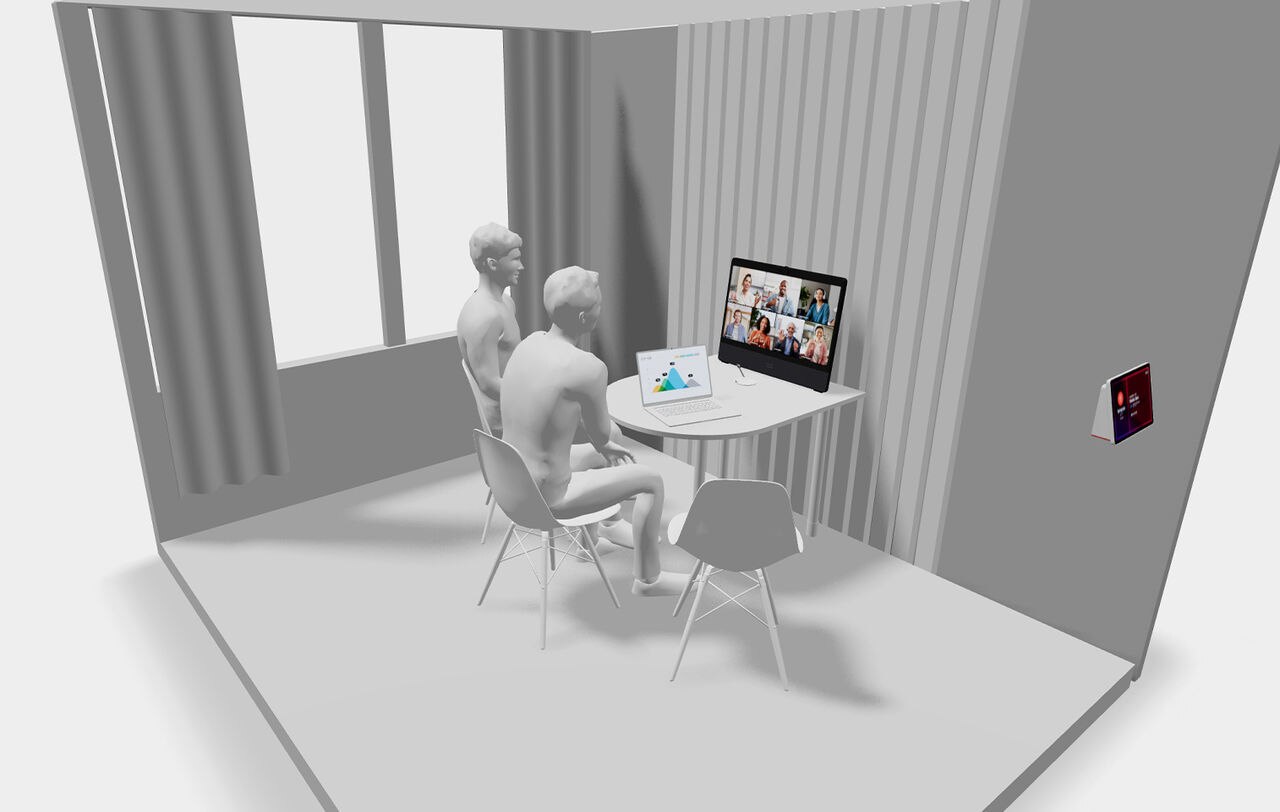
Keep everyone perfectly framed.
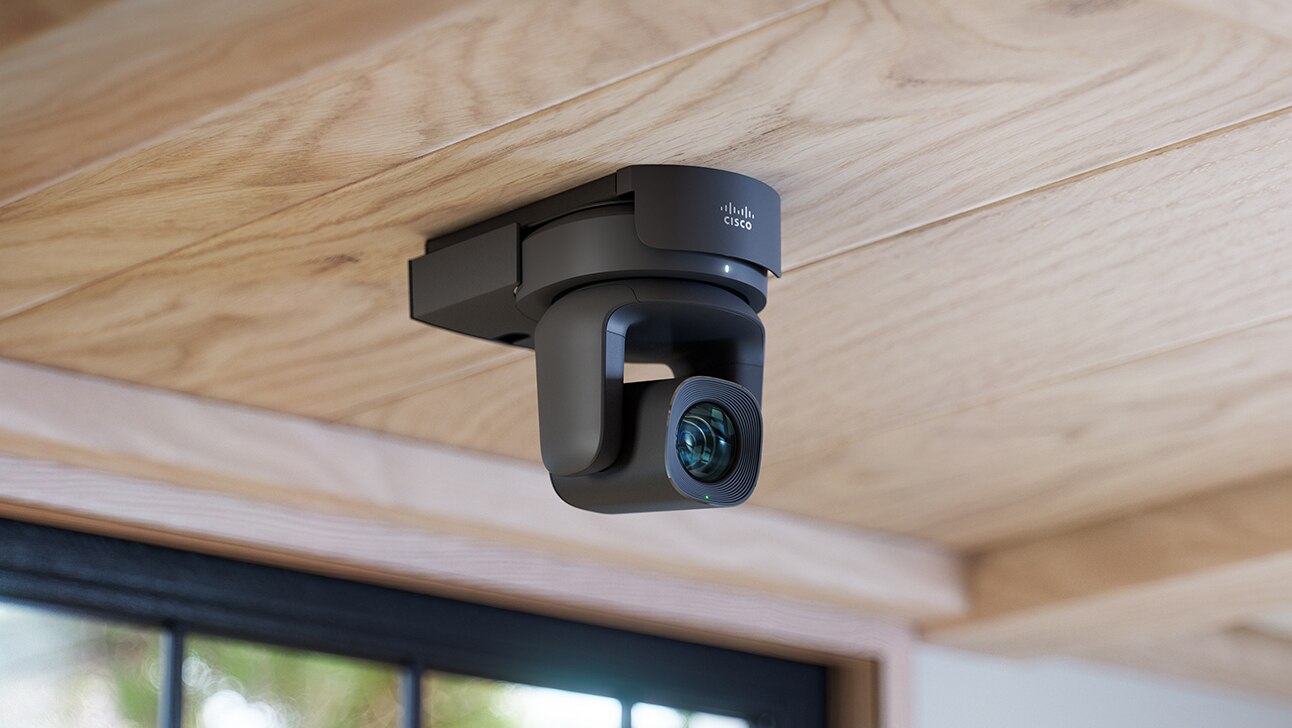
Featuring a dual, wide-angle-lens camera and AI-enhanced framing, all participants in a small huddle room or shared space are equally represented in the meeting while the meeting zone feature helps avoid framing passers-by in open or glass-walled environments. And with Webex for Apple Vision Pro, remote participants can enjoy full spatial meetings with a lifelike, 3D view of in-room participants.
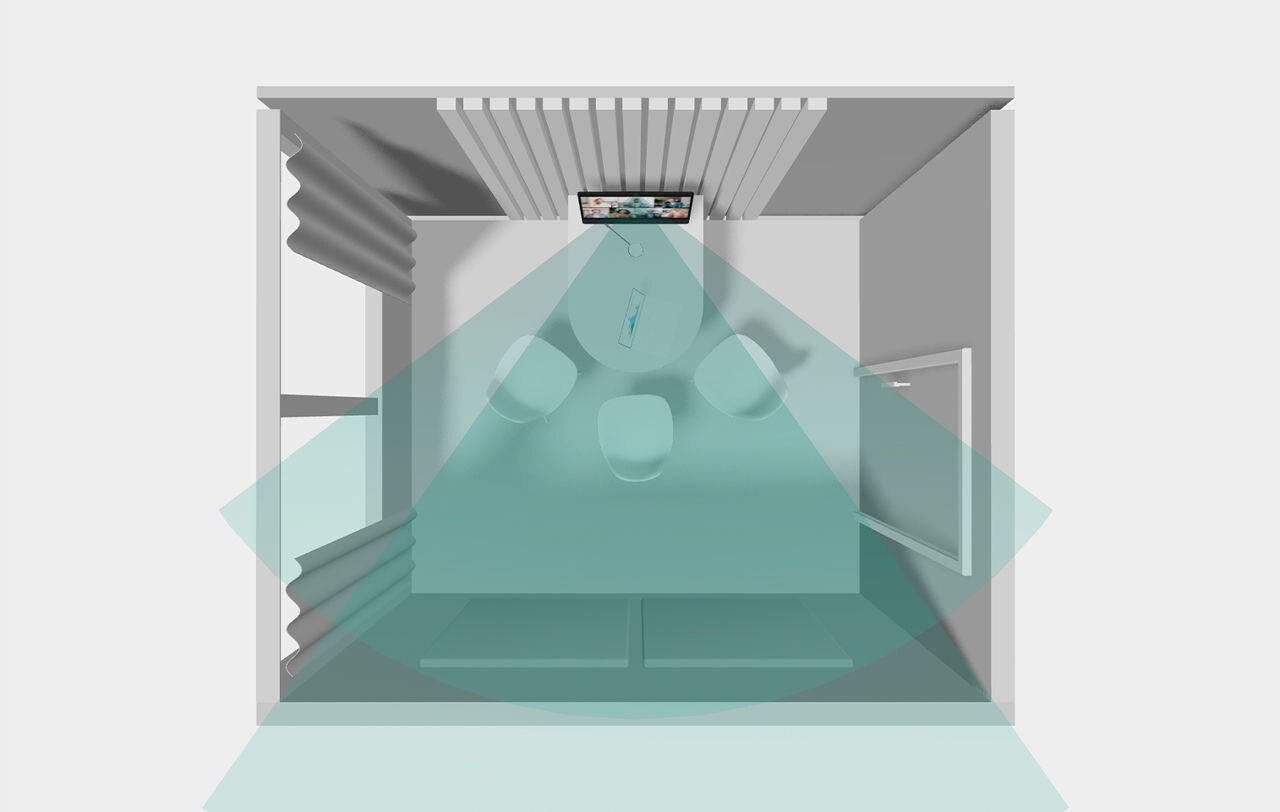
Enable true-to-life sound.
The 8-microphone array captures high-fidelity sound that makes conversations feel natural and ensures everyone in the meeting is heard distinctly and accurately. At the same time, the 3-channel, built-in loudspeaker system is optimized to provide spatial sound, so all voices are heard. The device can also pair with USB or Bluetooth headsets for frictionless meetings in open or semi-open huddle spaces and meeting pods.
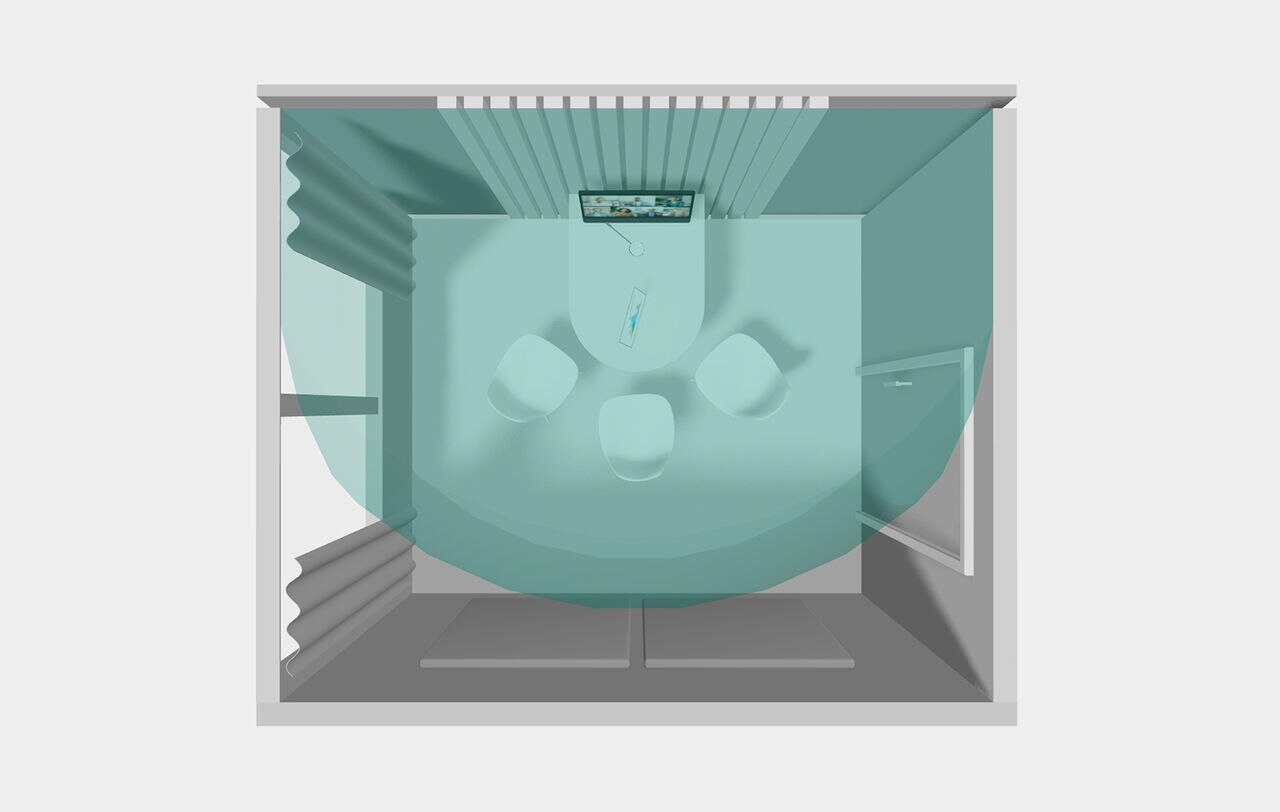
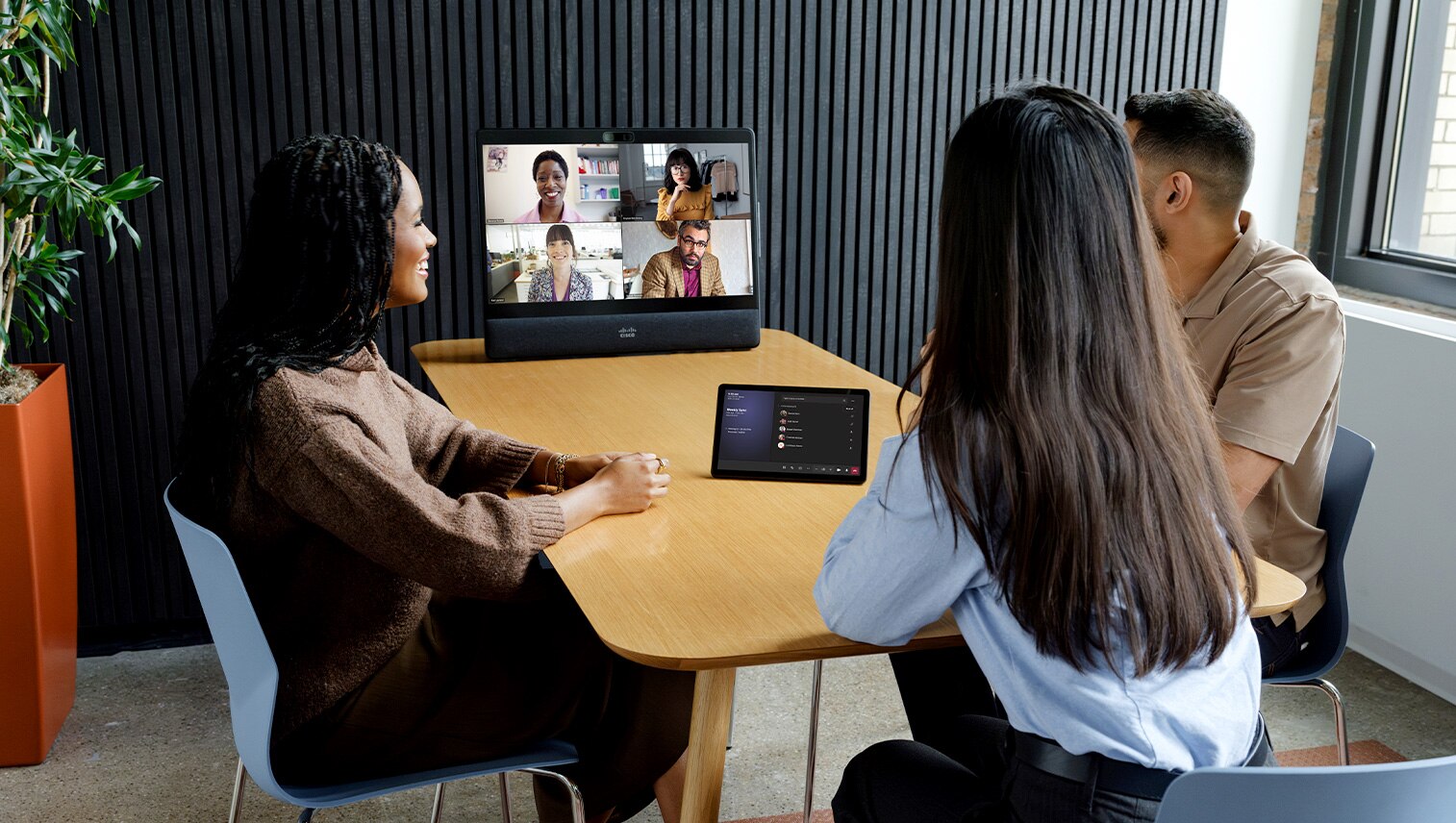

Optimal room design
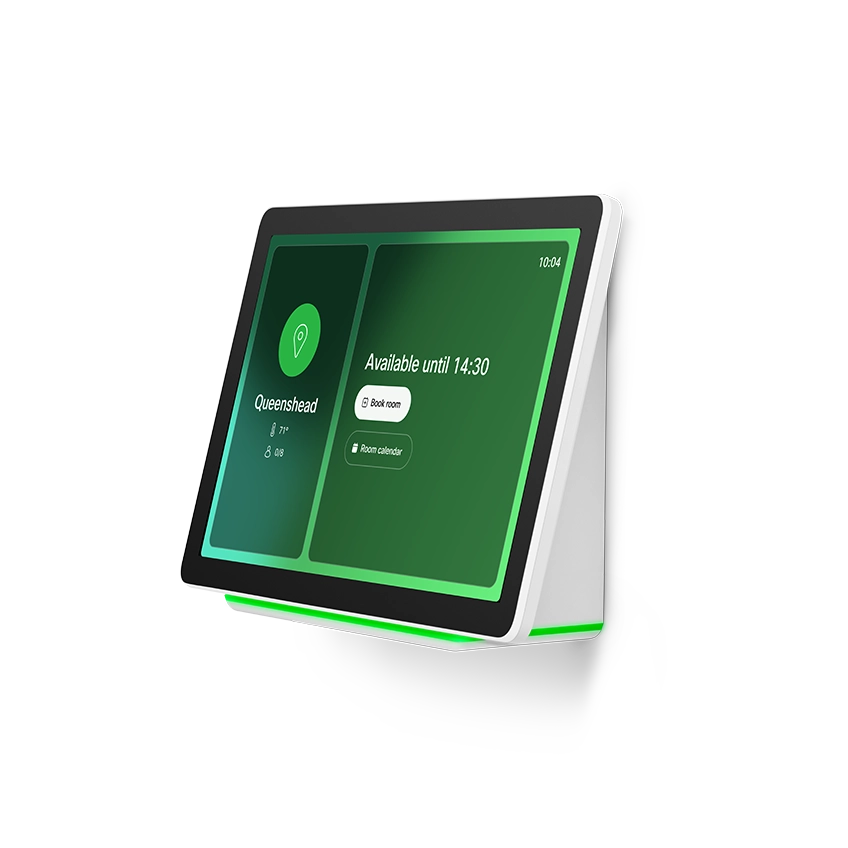
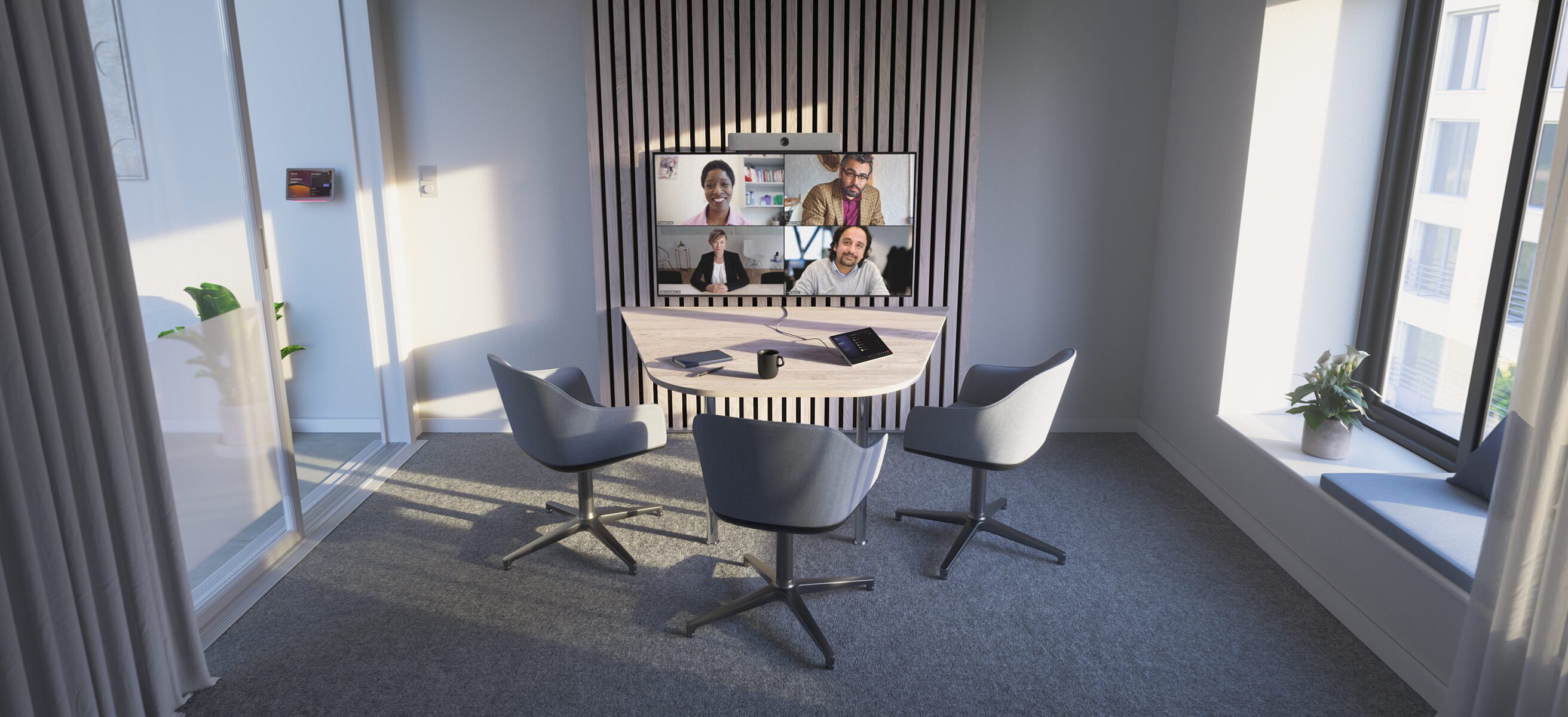
High-quality furniture is essential for a successful meeting experience. We recommend a slightly slanted, tapered table shape with the widest edge nearest the screen, tapering toward the far end to ensure that everyone is visible on the camera and has a clear line of sight towards the screen. And with the touch controller extension option, you can make sure even participants seated at the end of the table have easy access to meeting join and conference controls.
Reimagine your workspaces.
Cisco devices are more than great video conferencing hardware. With built-in intelligence and an open platform, they empower your team to work the way you want.
Create inclusive audiovisual experiences and remove distractions to keep your teams focused.
Eliminate complexity to get the ultimate hybrid work experience.
Experience exceptional video conferencing on Webex, Microsoft Teams, Zoom, and Google Meet.
Your one-stop interactive room configurator and design guide is here.
Dive deeper.
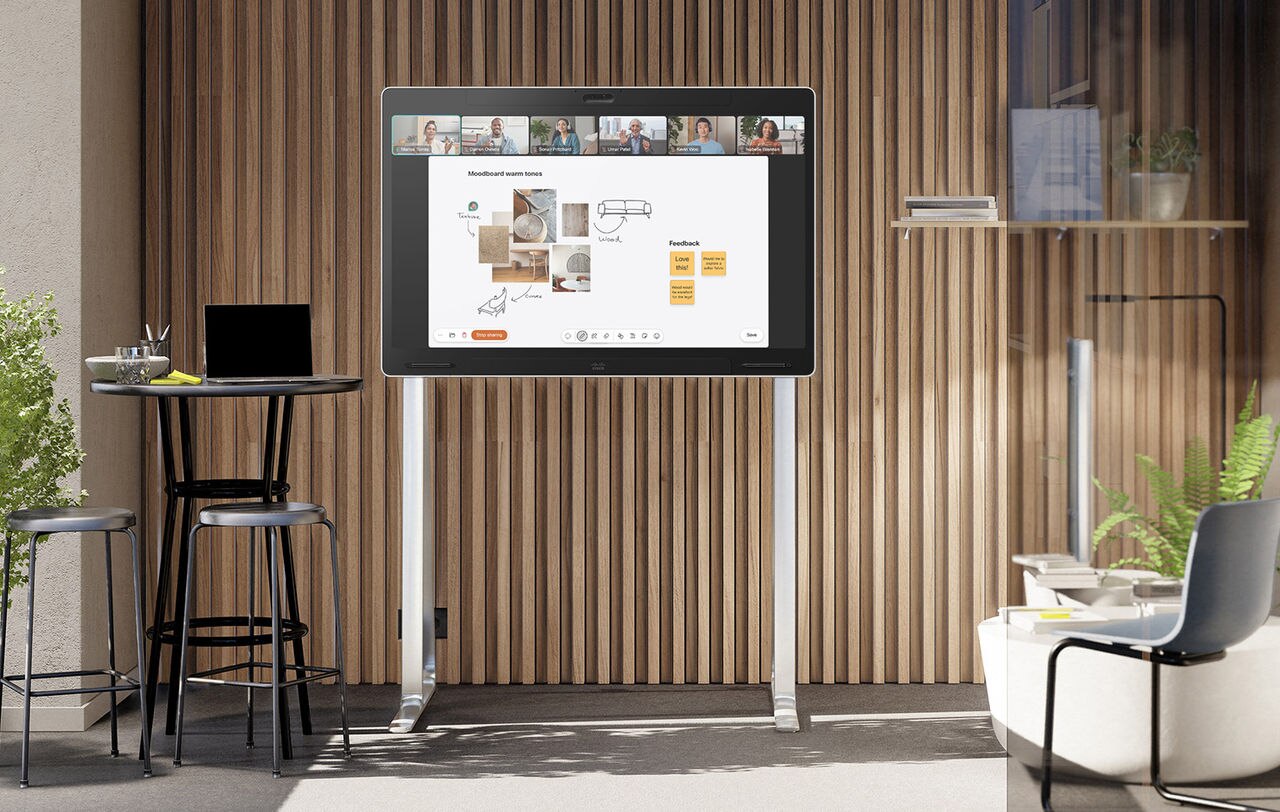
Unite your team for a seamless whiteboarding and brainstorming experience.
A touch-enabled, multi-purpose video device combined with casual soft furniture and ample space around the endpoint allows in-room participants to ideate seamlessly.
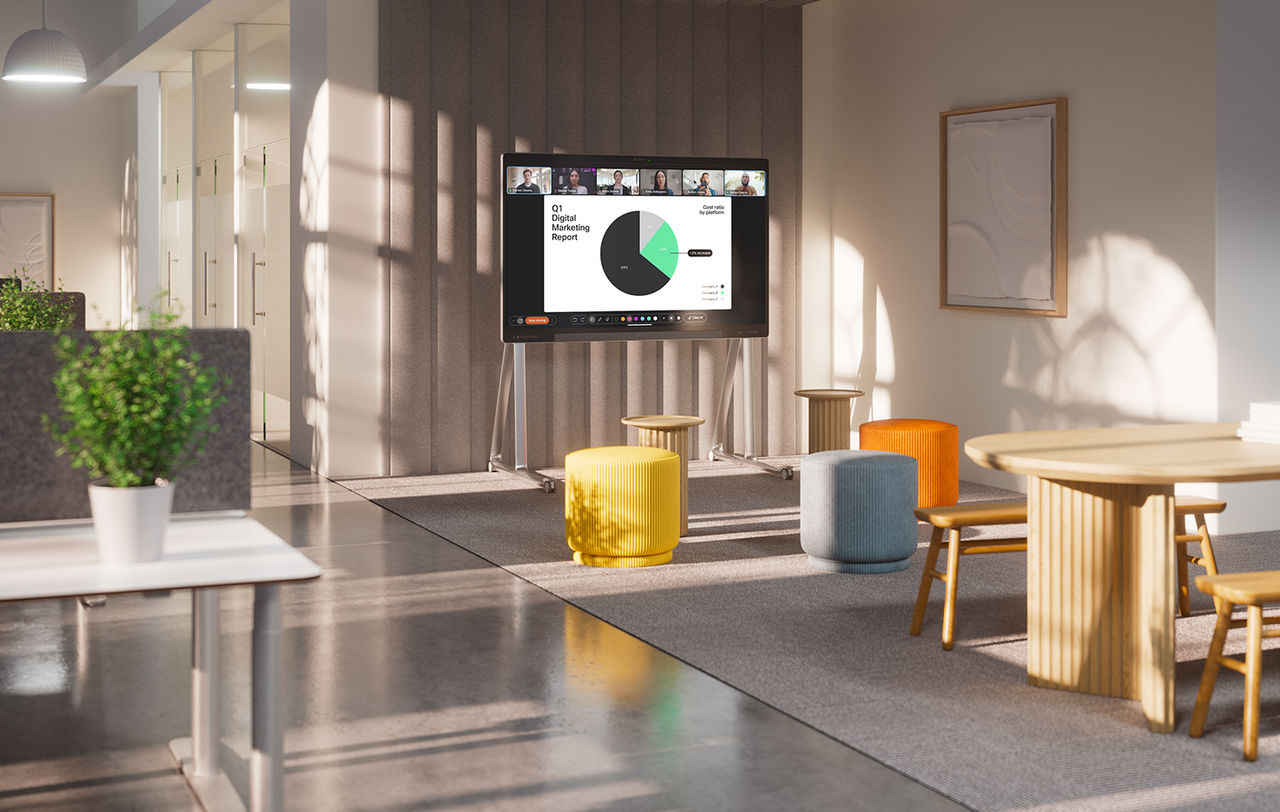
Create a flexible space for breakouts and ad-hoc collaboration.
Deployed in an open or semi-enclosed space with a fully adaptable arrangement, this simple setup is perfect for agile workshops and impromptu sessions.


-
2-4
-
8-12m2 / 85-130ft2
- Devices
- Blueprints
- Room Design
- Resources
- Scenarios
2-4
8-12m2 / 85-130ft2
Create vibrant and flexible hubs for ad-hoc collaboration where teams can connect, share ideas, and make decisions.
Offer unparalleled experiences by intelligently framing participants, capturing every voice, presenting high-resolution live video and content, and delivering unmatched audio quality.
Design your perfect huddle room and easily scale it across your offices with radically simple deployments and unified management.
Ensure optimal conditions in the room for employee wellbeing, track occupancy and usage, and optimize space allocation with sensor-driven insights.
Simplify your room deployment.
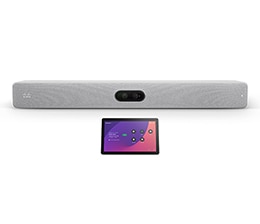
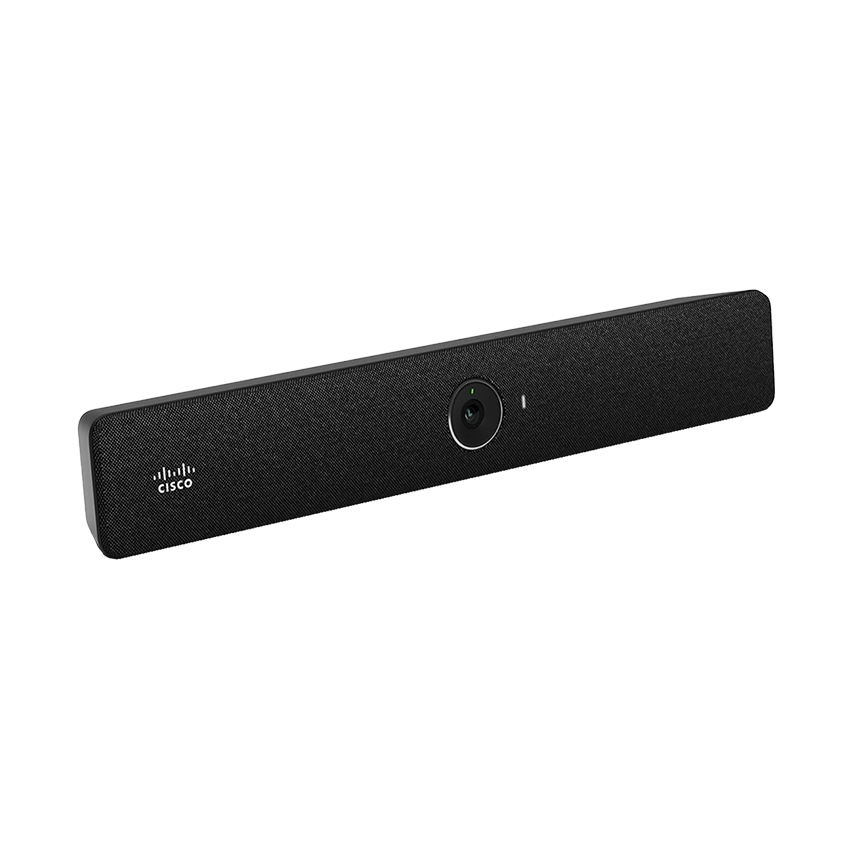
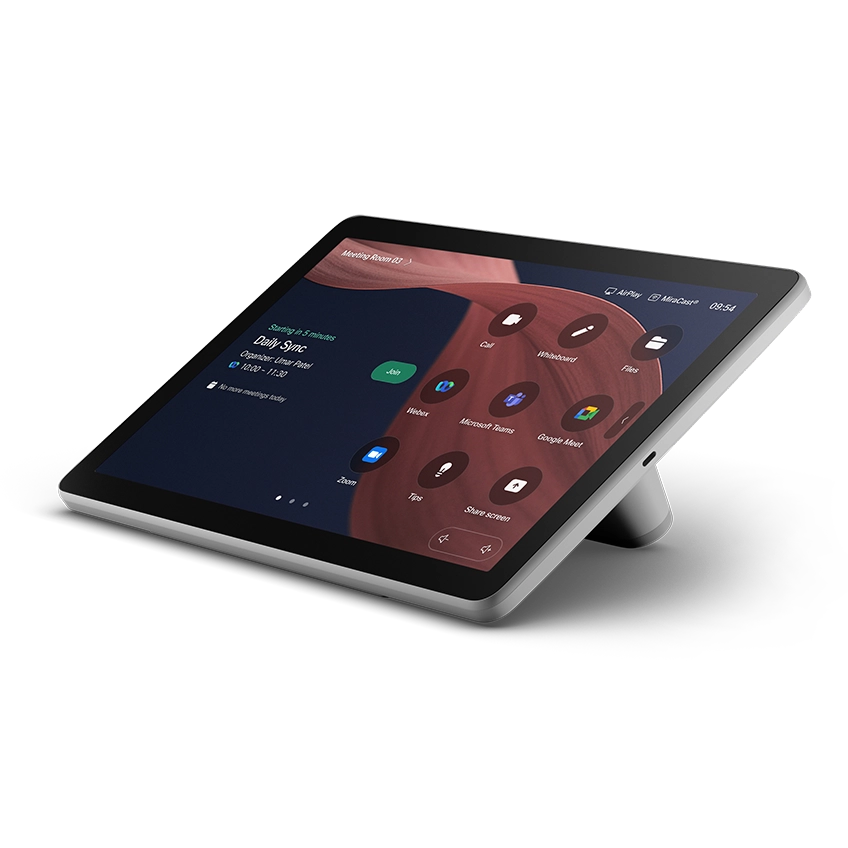
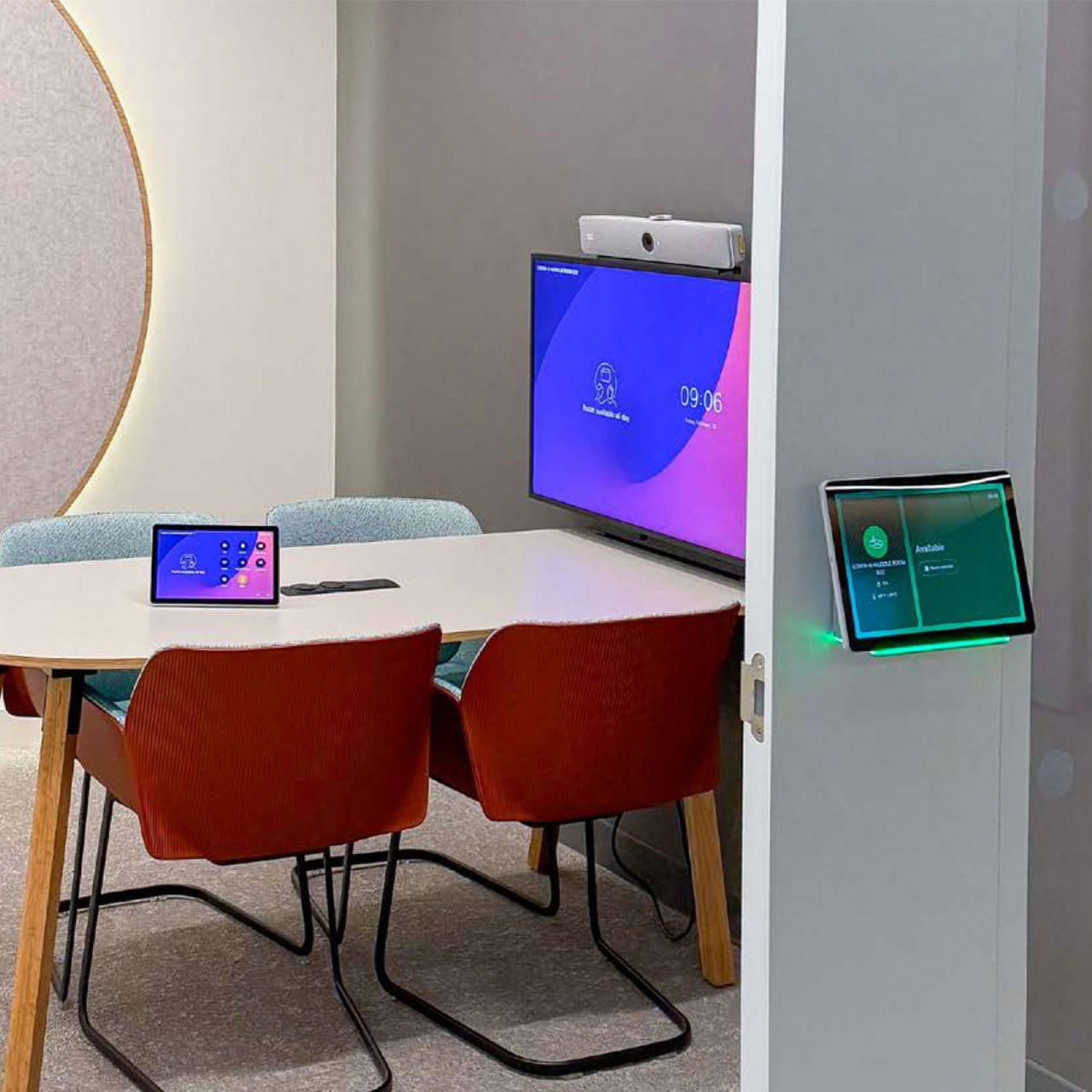
Video-enable your spaces at scale with the Cisco Room Bar which can be deployed as a cloud-managed BYOD solution or a full-featured conferencing appliance for laptop-free video meetings. This workspace blueprint features a simple, repeatable workspace architecture that takes the guesswork out of installation, troubleshooting, and maintenance, enabling a streamlined approach to optimize your workspaces at scale.
Keep everyone perfectly framed.
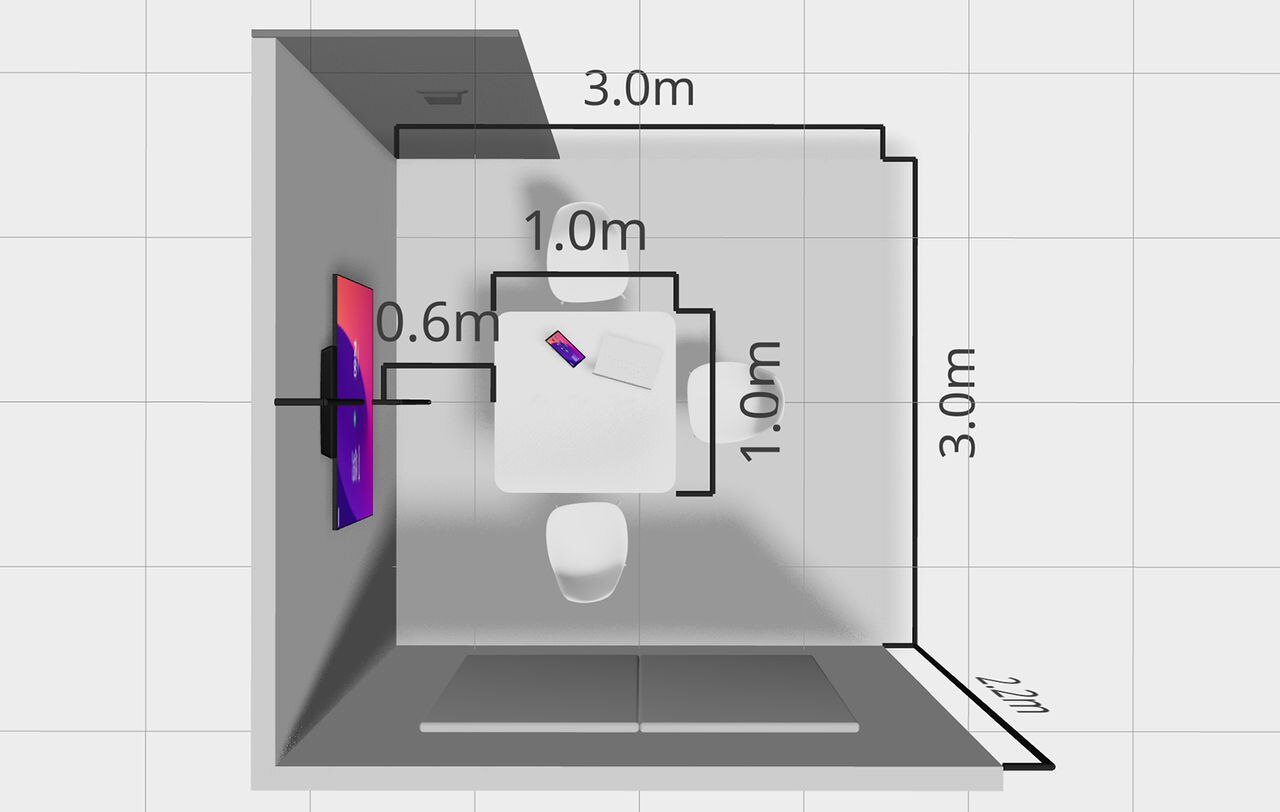
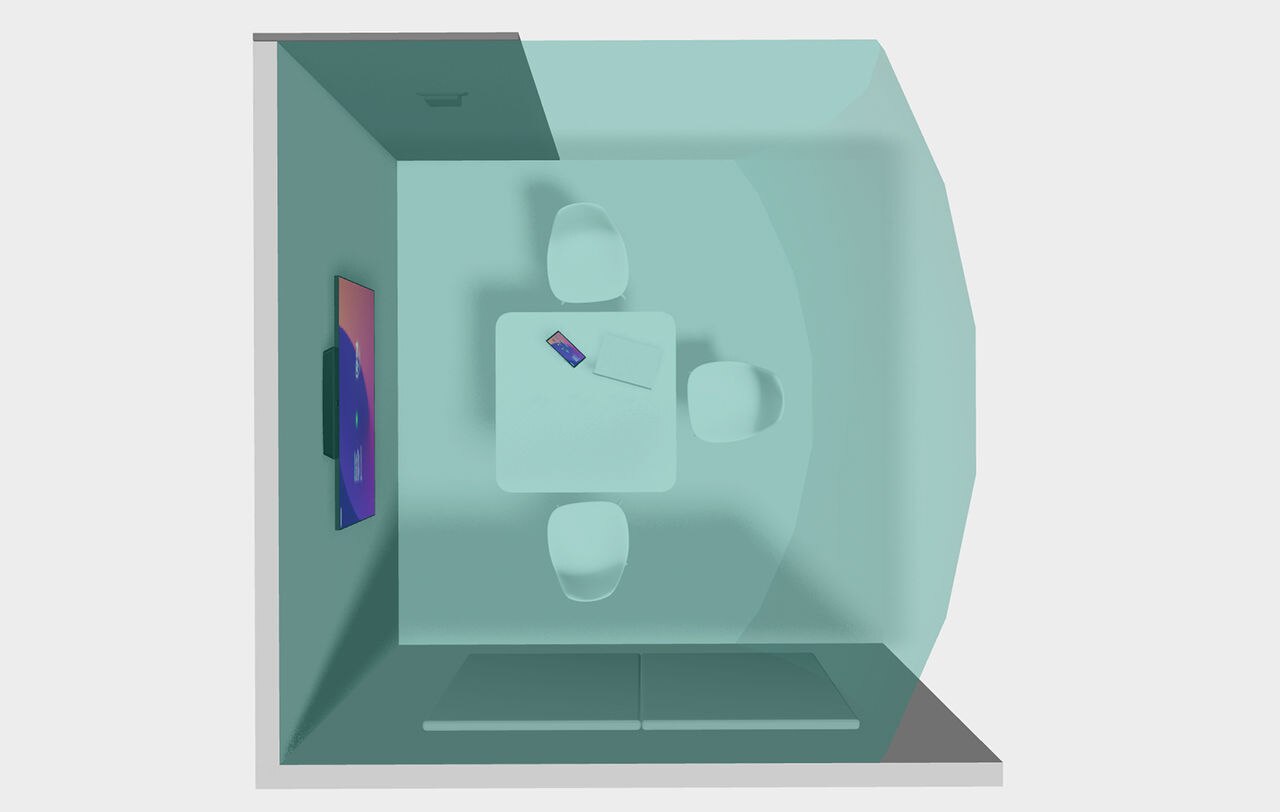
Featuring a wide-field-of-view camera and the power of AI, all participants in the room are equally represented in the meeting while virtual meeting zone helps to avoid framing passers-by in open and glass-walled environments.
Capture every voice.
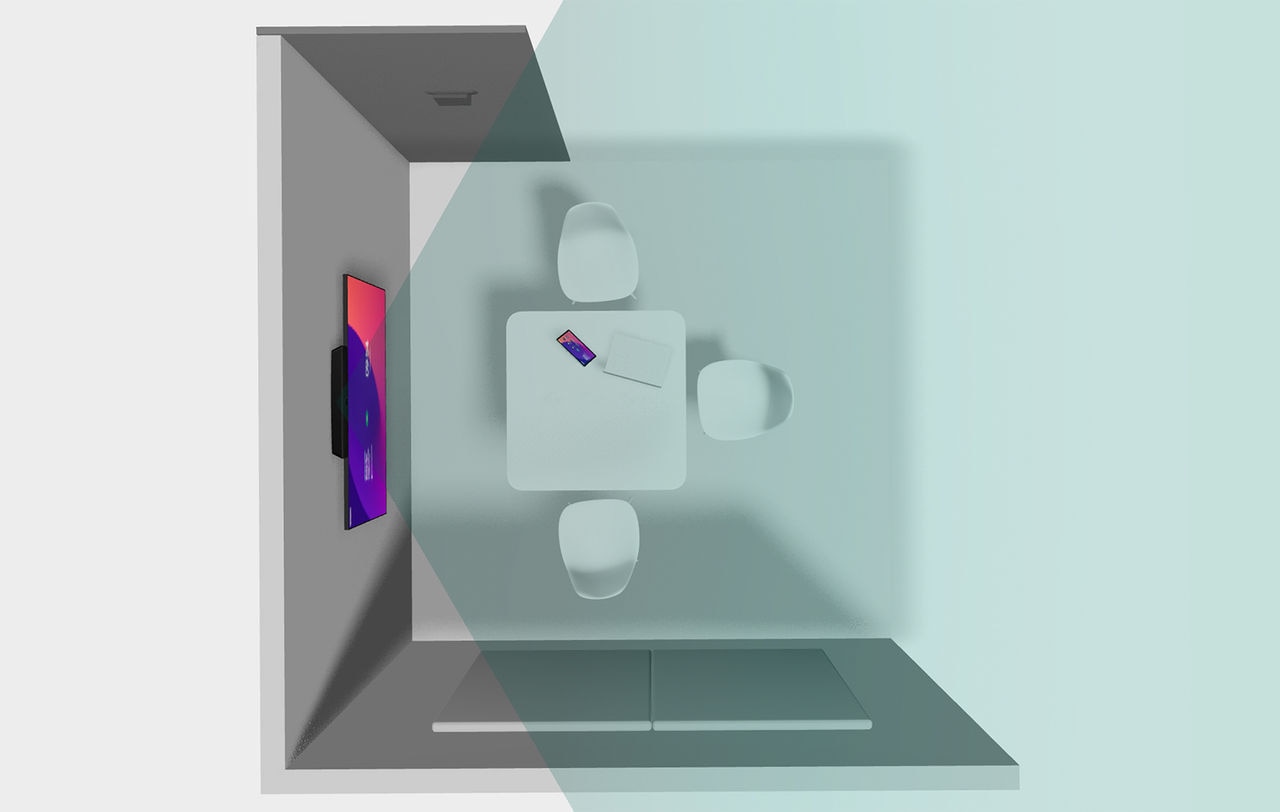
Powered by built-in, 4-element beamforming mic array and extension with the latest generation of conferencing microphones, your teams can confidently ensure all voices are heard with clarity.
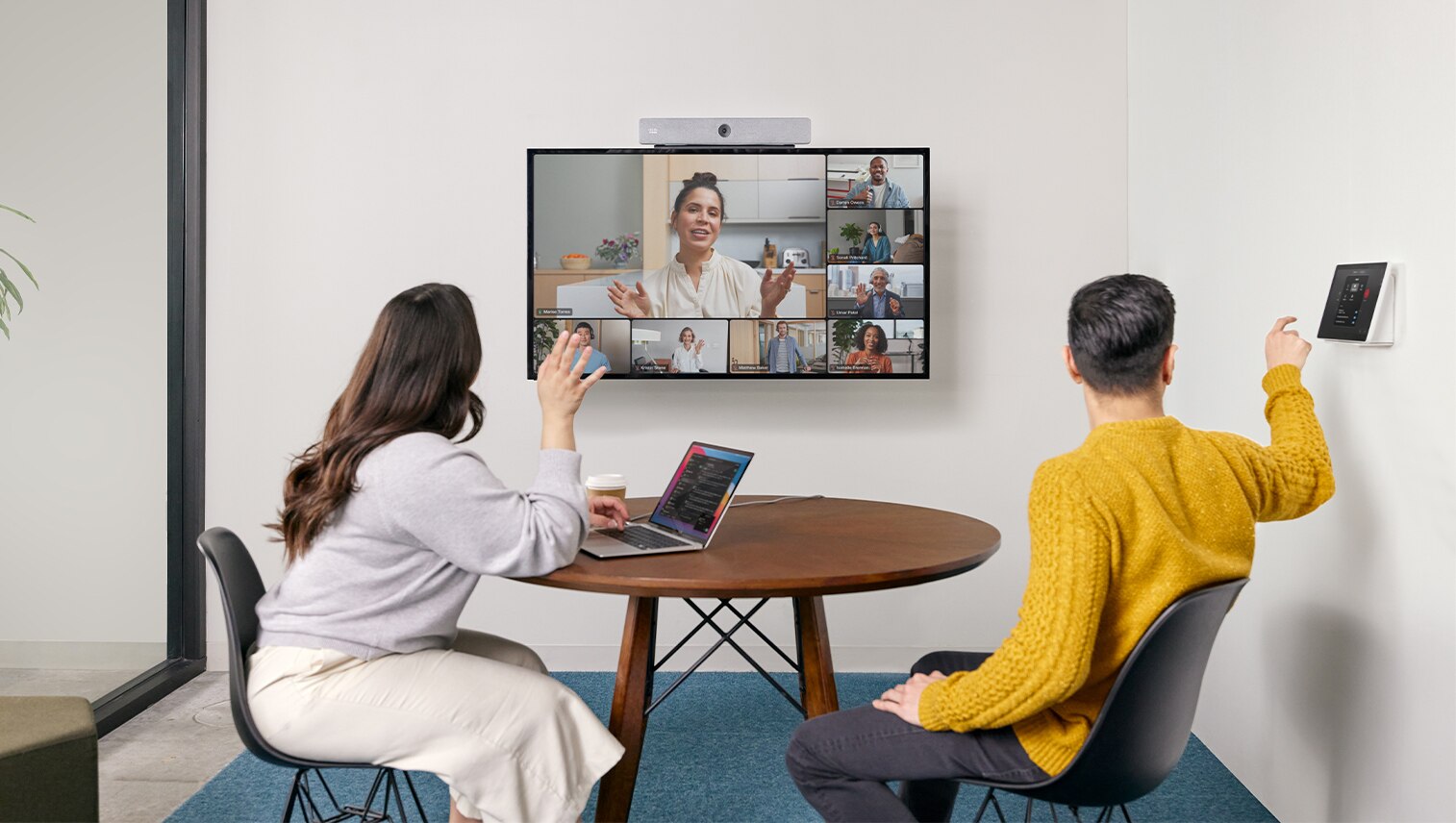
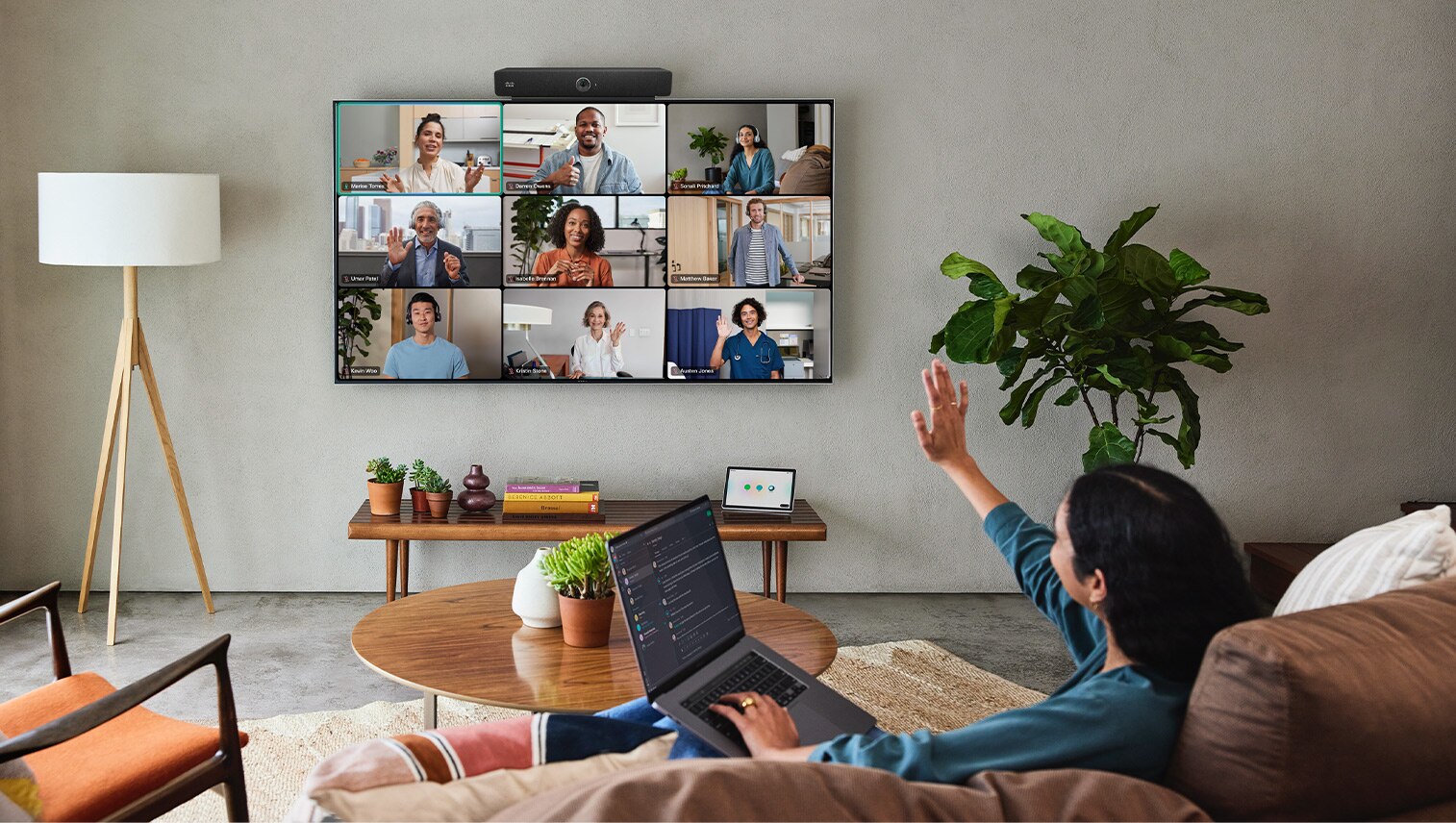
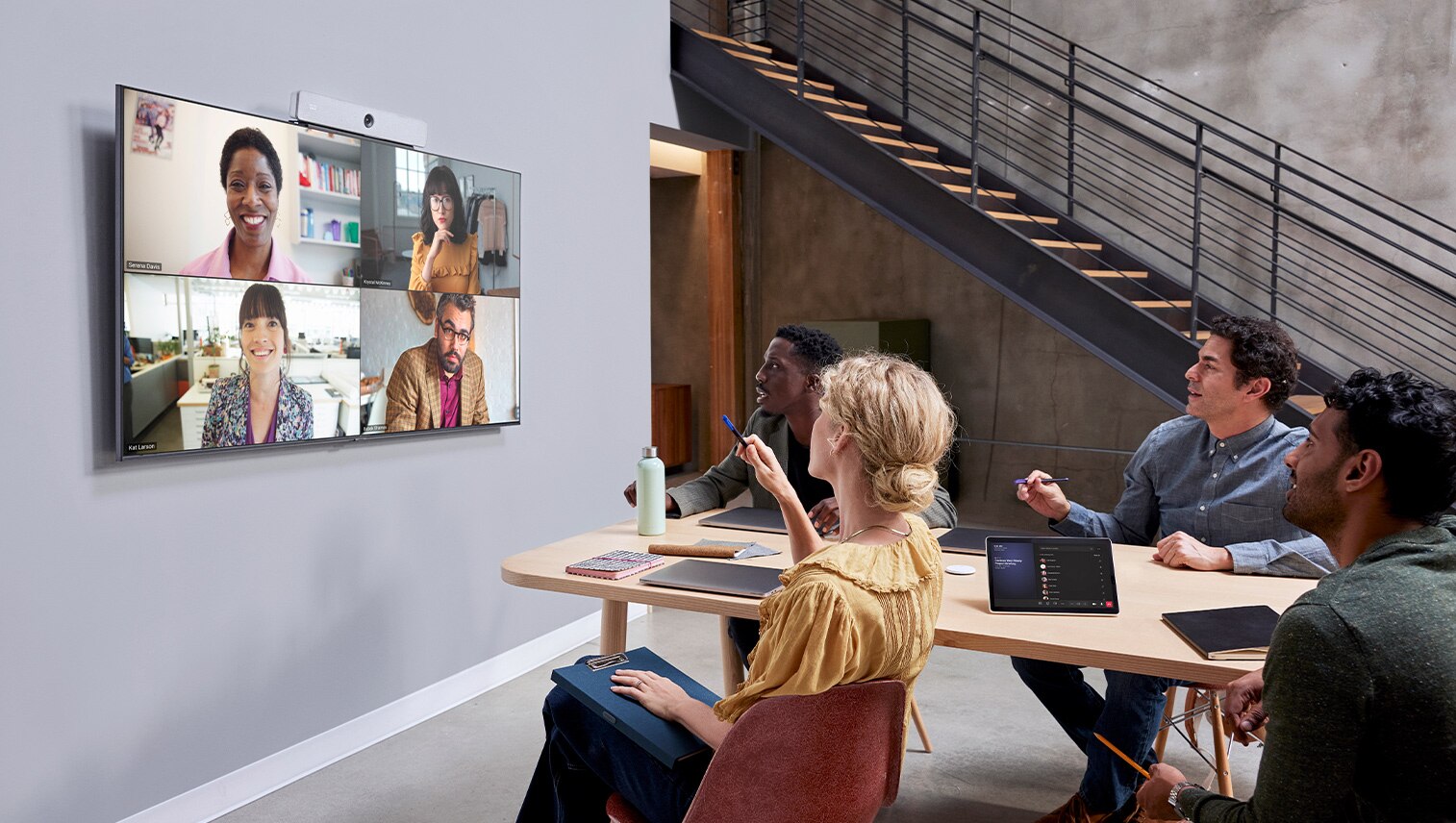
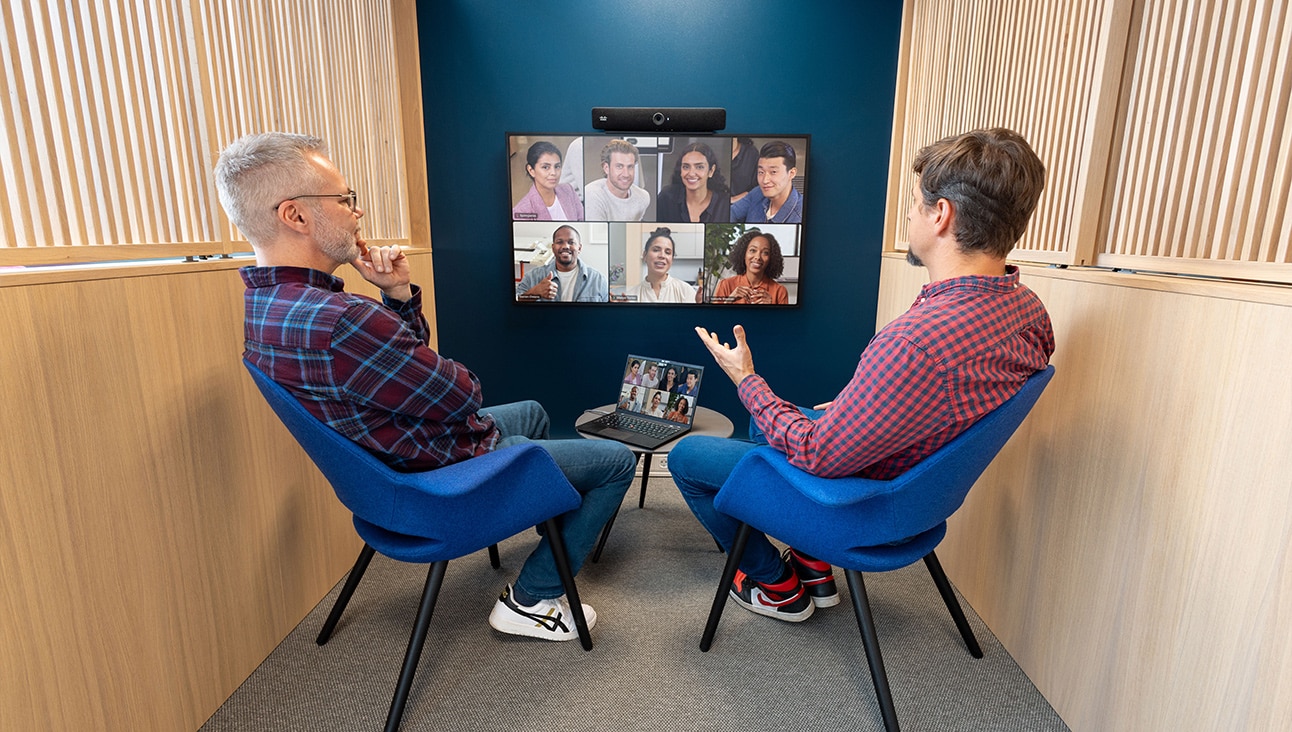

Refreshing Huddle Spaces
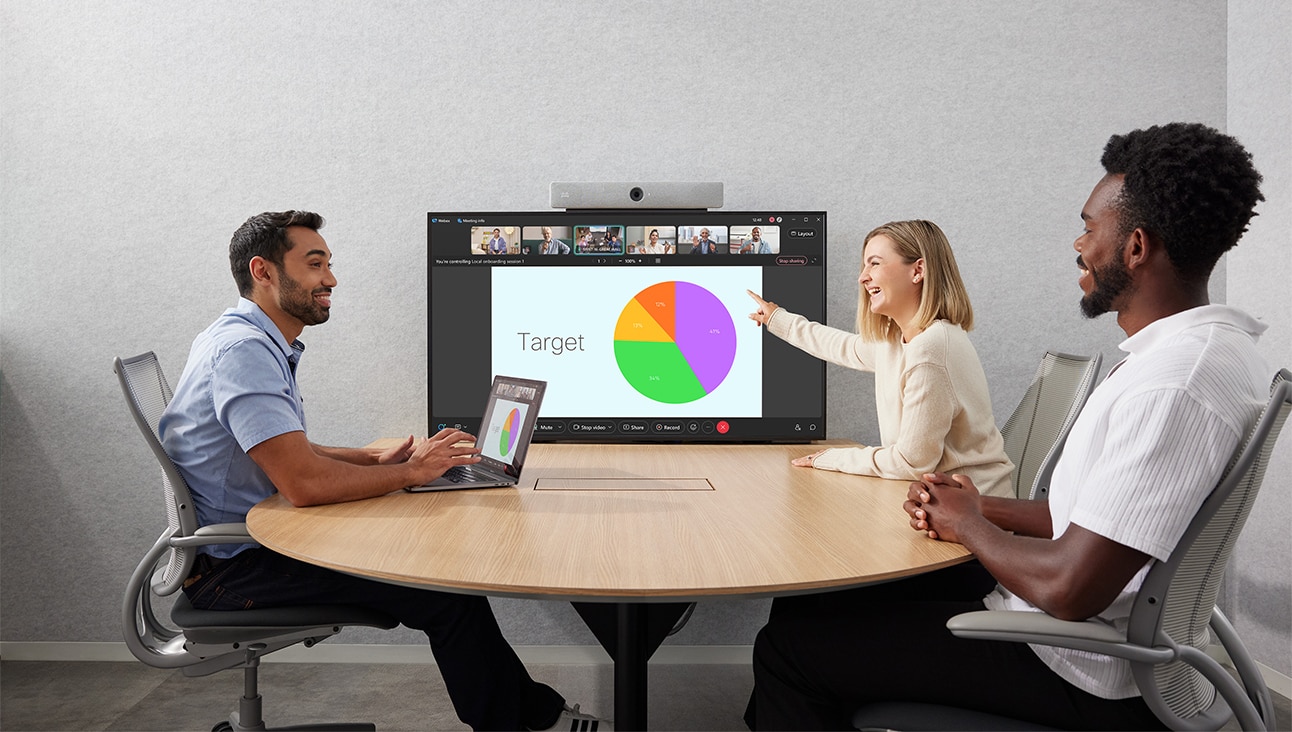
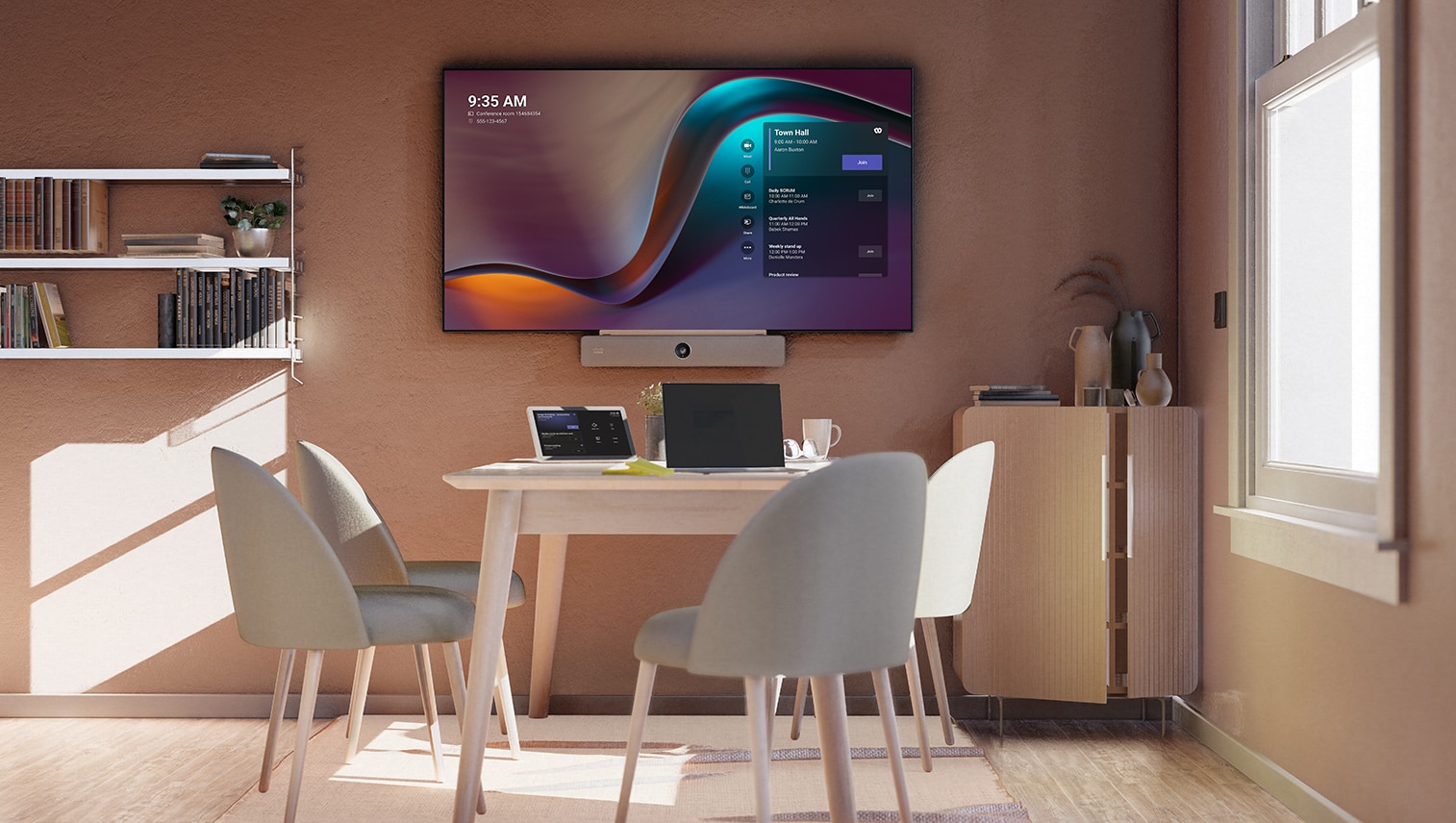
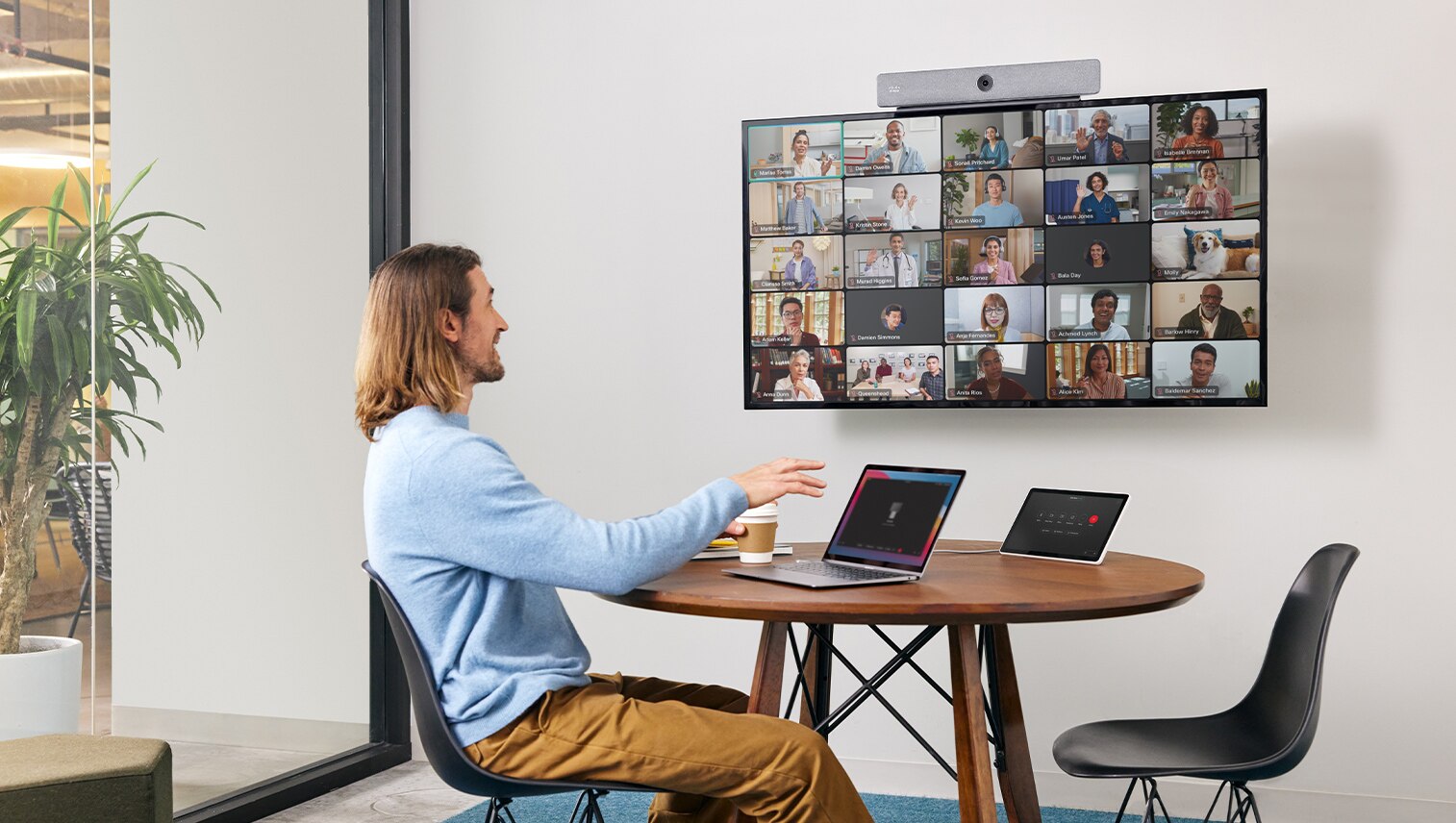
Download the design guide to explore how Cisco brought space layout, technology, and furnishings together to create the optimal huddle room experience.
Reimagine your workspaces.
Cisco devices are more than great video conferencing hardware. With built-in intelligence and an open platform, they empower your team to work the way you want.
Create inclusive audiovisual experiences and remove distractions to keep your teams focused.
Eliminate complexity to get the ultimate hybrid work experience.
Experience exceptional video conferencing on Webex, Microsoft Teams, Zoom, and Google Meet.
Your one-stop interactive room configurator and design guide is here.

Dive deeper.
- Cisco Room Bar Datasheet
- Cisco Room Preparation Guidelines
- Cisco Room Navigator for Table Data Sheet
- Cisco Room Navigator for Wall Data Sheet
- Cisco Collaboration Device Matrix Catalog
- Cisco certified displays & other partner solutions
- Cisco Design Guide: Casual Huddle Room (Cisco Talent & Collaboration Centers)
- Cisco Design Guide: Traditional Huddle Space (Cisco Talent & Collaboration Centers)
- Cisco Design Guide: Ideation Huddle Space (Cisco Talent & Collaboration Centers)
Unite your team for a seamless whiteboarding and brainstorming experience.
A touch-enabled, multi-purpose video device combined with casual soft furniture and ample space around the endpoint allows in-room participants to ideate seamlessly.
Create a flexible space for breakouts and ad-hoc collaboration.
Deployed in an open or semi-enclosed space with a fully adaptable arrangement, this simple setup is perfect for agile workshops and impromptu sessions.