


Camera Intelligence for Video Conferencing
Get the best view in any meeting.
Experience cinematic meetings.
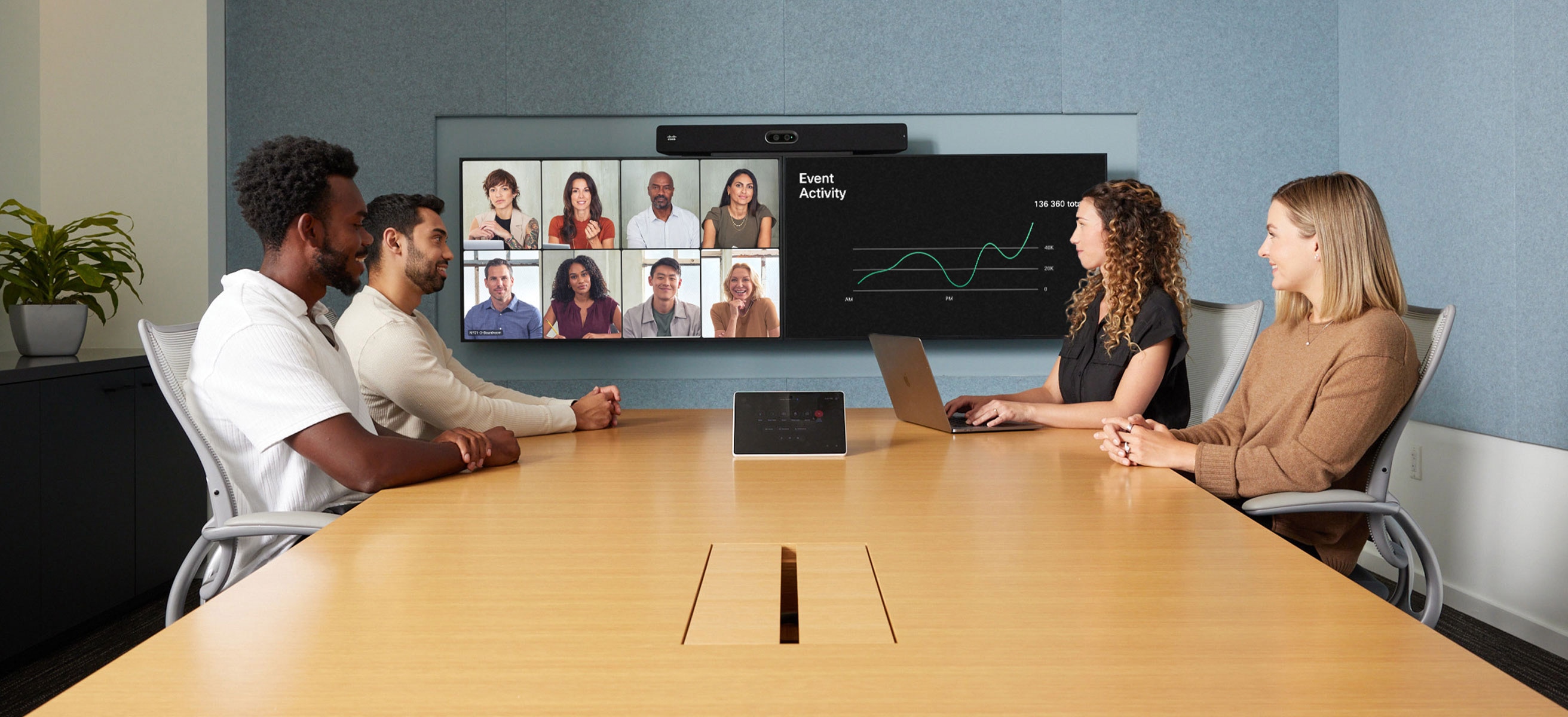
Deliver truly immersive experiences for every participant with AI-driven camera views, optimized framing and seamless tracking that ensure facial expressions, body language, and in-room context never get lost.
A front-row seat for everyone.
DYNAMIC MODE
Brilliant views, directed by AI.
Bring intelligent framing to every meeting with the agentic AI director that dynamically optimizes camera views, without the need for manual switching, by analyzing factors such as room size, participant count, seating positions, and the activity level in the space, ensuring every participant is optimally framed—every time.
FRAMES
Level the playing field.
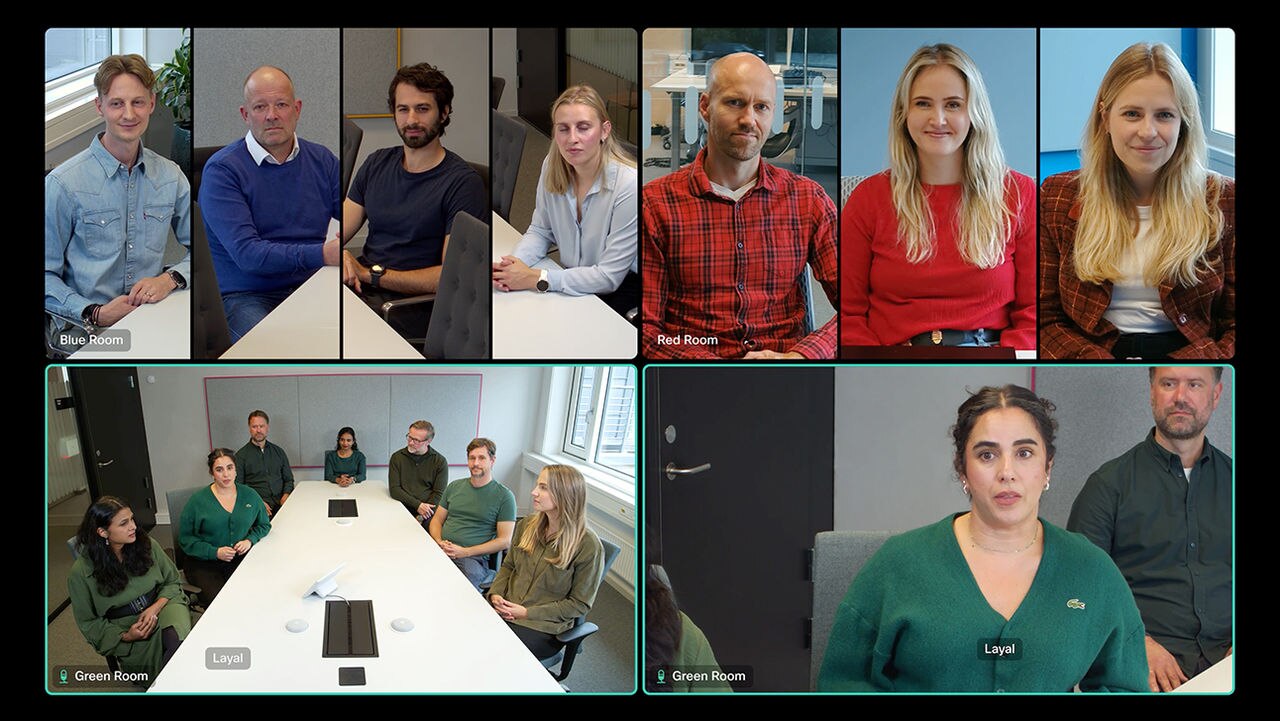
Ensure equal representation with AI and smart camera techniques that dynamically crop video feeds for ideal framing while maximizing screen utilization. Available on any meeting platform, the frames camera mode now features two-row layouts for enhanced views around tapered or video-centric tables.

SPEAKER TRACKING
Keep the speaker in focus.
Bring the active speaker front and center and follow the flow of the conversation with seamless, touch-free transitions between speakers to deliver an engaging, cinematic experience for remote participants.

PRESENTERTRACK
Experience truly engaging presentations.
Foster equity during hybrid presentations and learning sessions with intelligent camera tracking and silent pan-tilt-zoom technology so remote attendees can effortlessly follow the presenters—even as they move around a large stage.
Bring meetings to life.
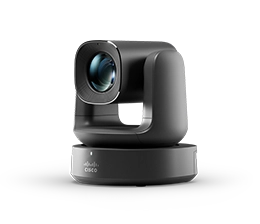
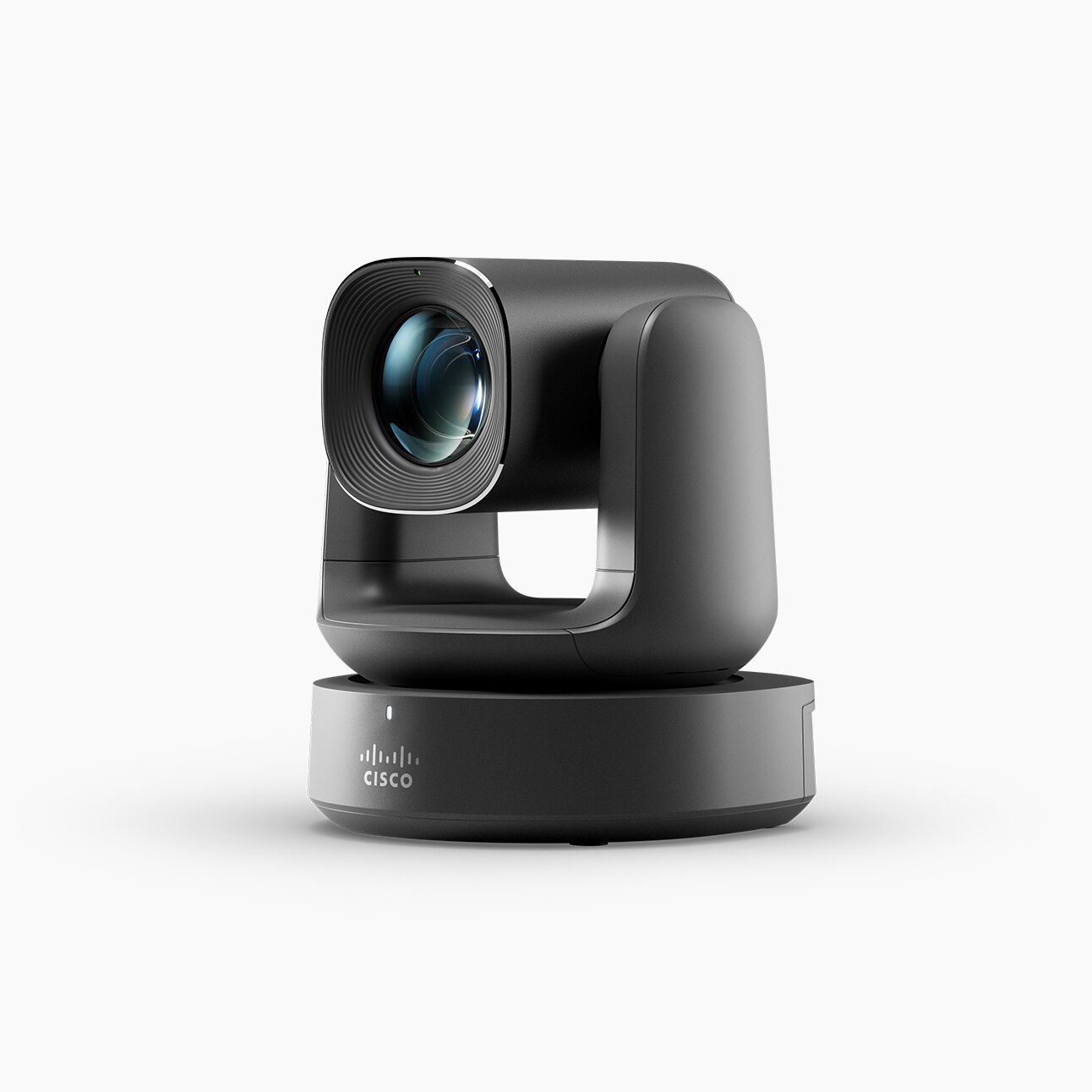
Elevate your meetings with the Room Vision PTZ camera, providing fluid pan-tilt-zoom and breathtaking image quality along with enterprise-grade manageability and hassle-free deployment over IP to simplify even the most complex multi-camera setups.
See every detail with multistream.
See the active speaker while viewing meeting room participants in two separate video streams with the Group and Speaker camera mode, providing rich context and creating a more inclusive experiences for remote attendees–whether they join from a device or the Webex App.
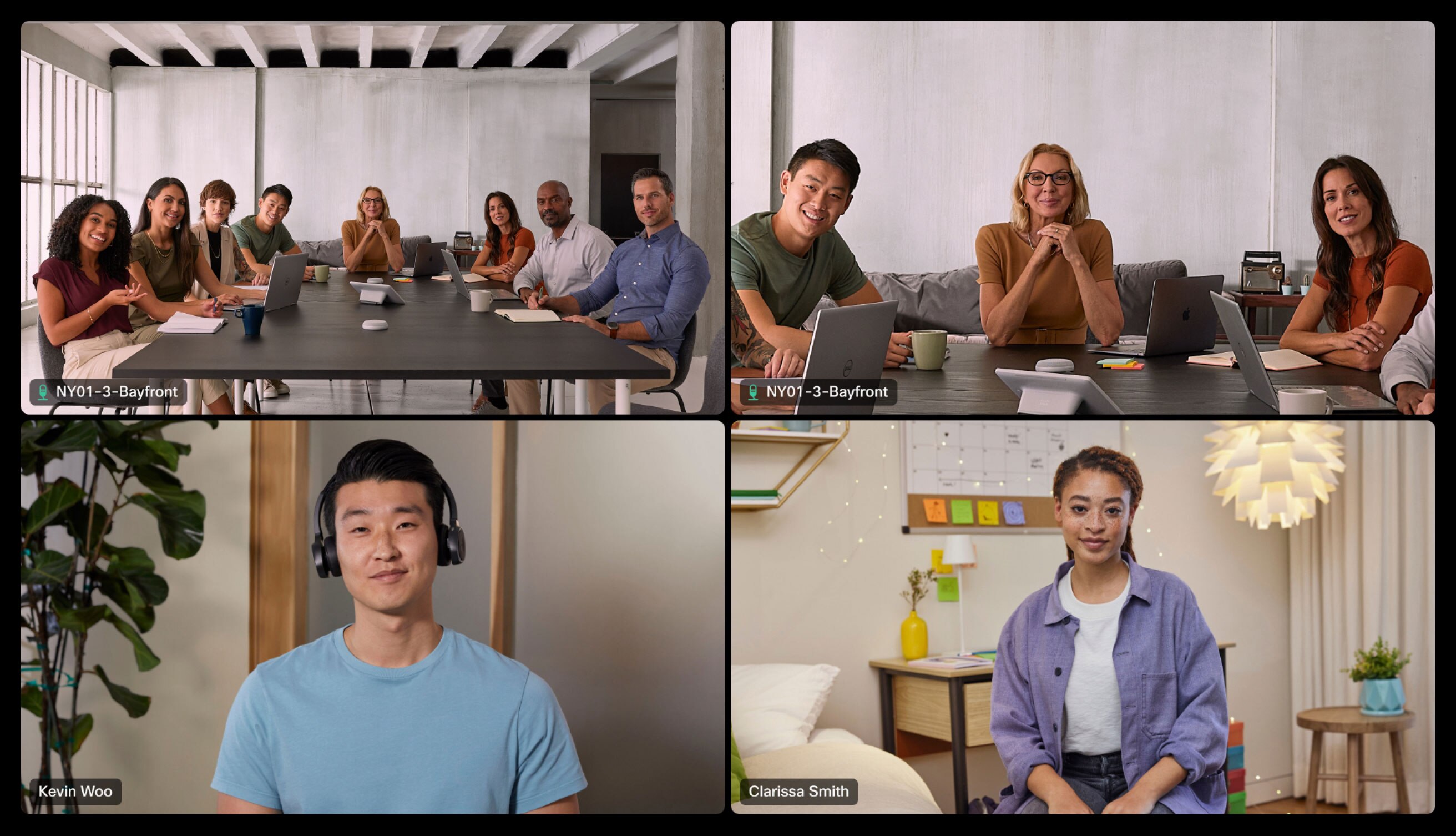
Connect and collaborate, no matter the distance.
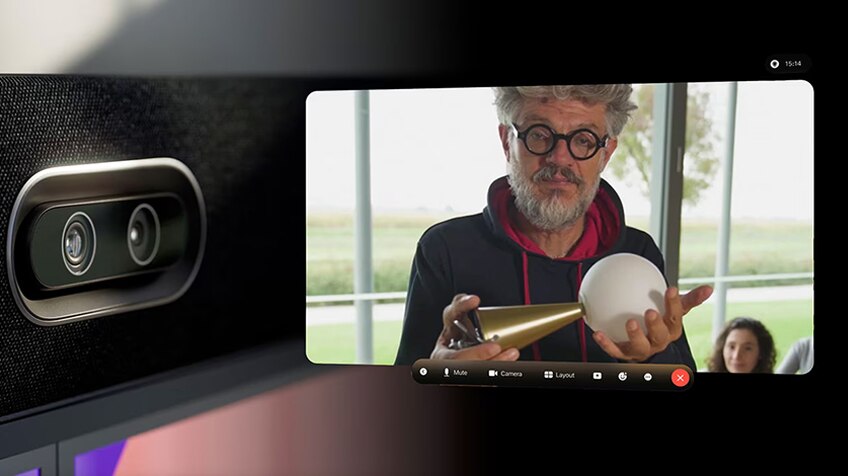
Experience spatial meetings
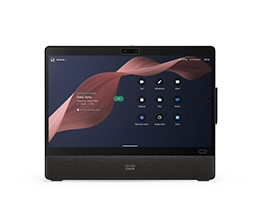
Transform any space into an immersive 3D studio with industry-first spatial meetings on Webex for Apple Vision Pro, powered by the dual-camera stereoscopic technology in the Desk Pro G2, Room Bar Pro, and Board Pro G2.
Embrace visual clarity
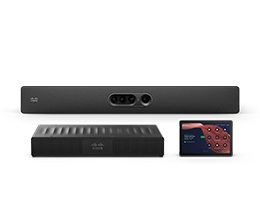
Capture crystal-clear close-ups of active speakers seated at the far end of the table with virtual lens enhancement that use AI camera director and smart camera techniques to boost zoom and resolution on the Room Bar Pro and Board Pro G2.
Beat distractions
Keep the focus on the meeting by excluding passers-by from the video feed in open spaces and glass-walled rooms with virtual meeting zones enabling undisrupted framing and people tracking.
Multi-camera intelligence for cinematic meetings.
MULTI-CAMERA TRACKING
Capture every point of view.
Discover next-generation dual-camera framing, speaker tracking, and smart compositing. Cisco tracking cameras allow for flexible placement, versatile angle adjustment, and optimal height when combined with ultra-wide and large-format displays while extending the field of view in wide rooms.
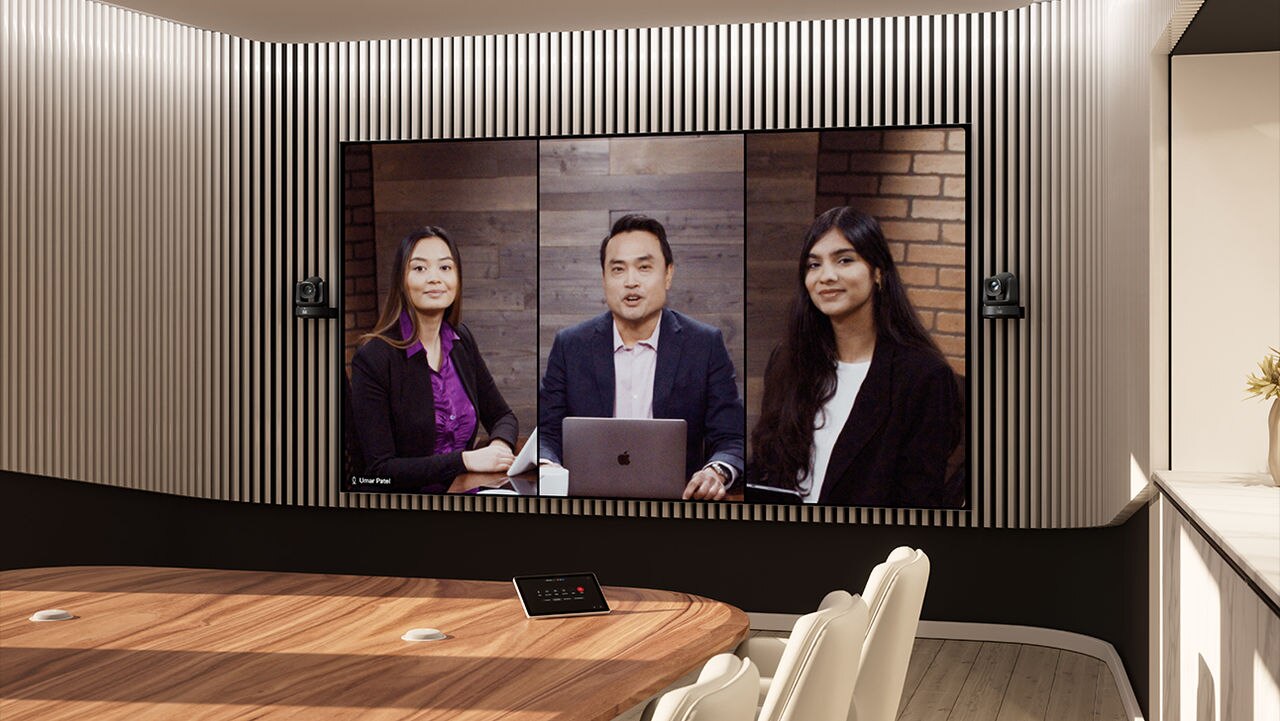
CROSS-VIEW | DUAL CROSS-VIEW
Follow the dynamics.
Experience studio-grade video conferencing with adaptive camera switching. By deploying multiple Room Vision PTZ cameras in medium-to-long rooms, you can deliver an equitable experience for remote participants by automatically capturing front-facing views of active speakers—even as they turn away from the main system, interact across the table, or walk around the room.
EXTENDED SPEAKER VIEW
Eliminate distance in large rooms.
Bring every detail to light with Cisco cameras featuring adaptive speaker tracking and switching to capture gestures and body language, even when the speakers are at the far end of a large space.
PRESENTER AND AUDIENCE VIEW
Bring hybrid presentations to life.
Provide an inclusive view of local and remote presenters, shared content, and the local audience to create a more equitable experience for remote attendees, students, and meeting participants.
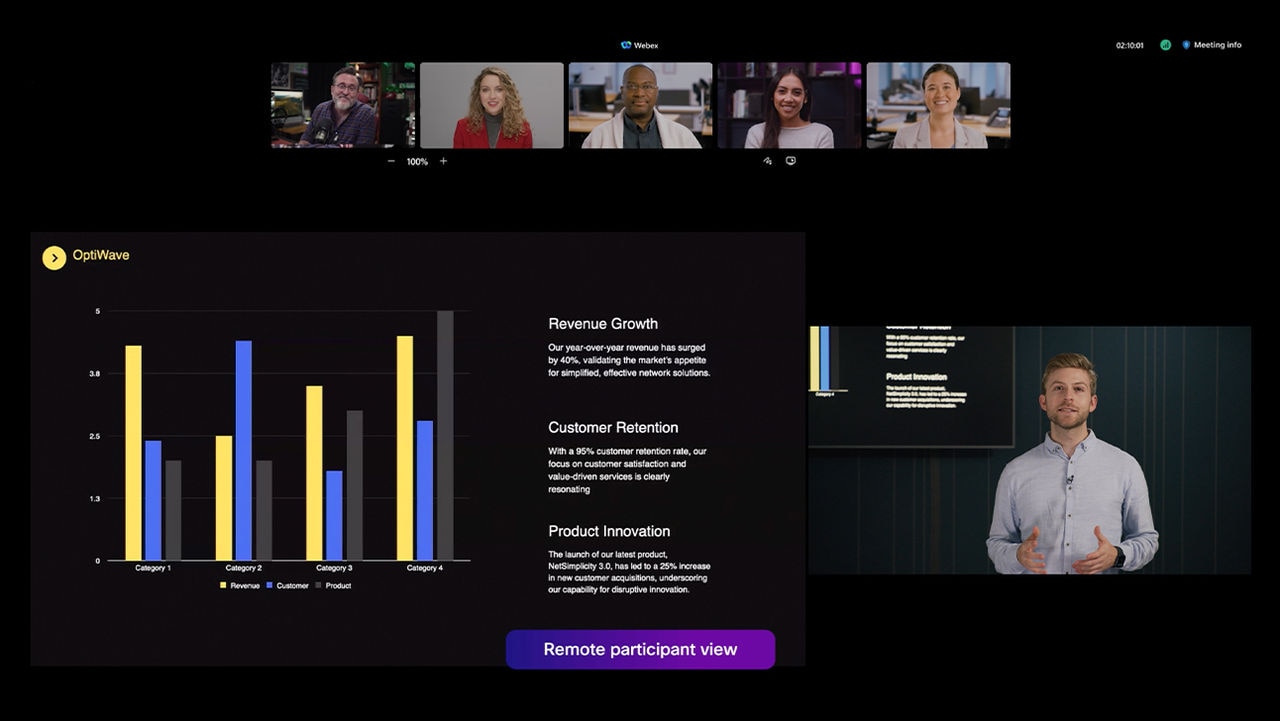
Immersive experiences at your fingertips.
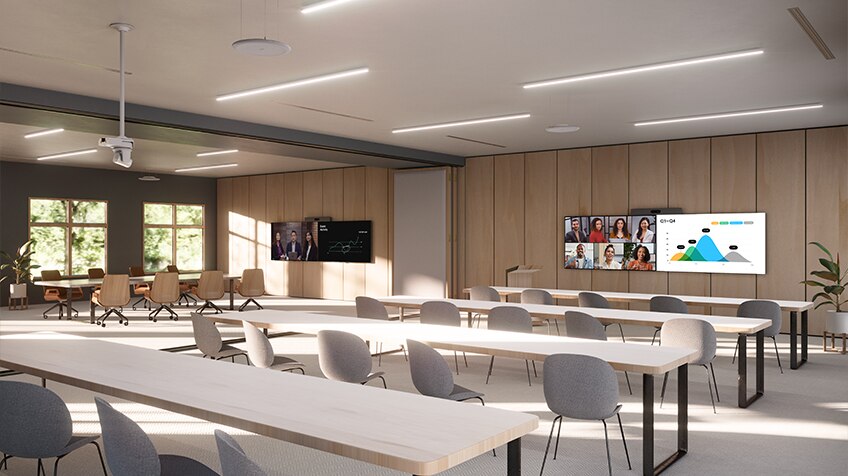
Simplify your divisible rooms
Scale repeatable multi-purpose spaces with a streamlined setup that eliminates custom programming and multi-vendor hardware complexities—all powered by Room Kit Pro G2.
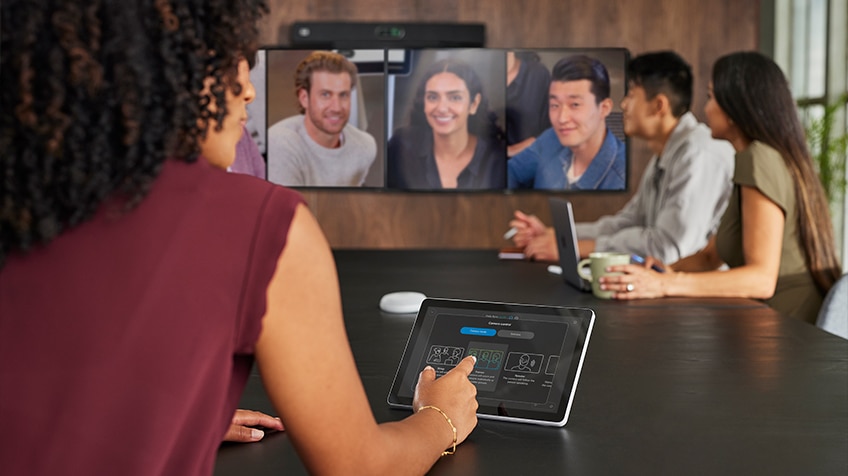
Accessible controls
Select your camera source and mode, preview how you show up on screen, and apply manual controls in or out of a video meeting.
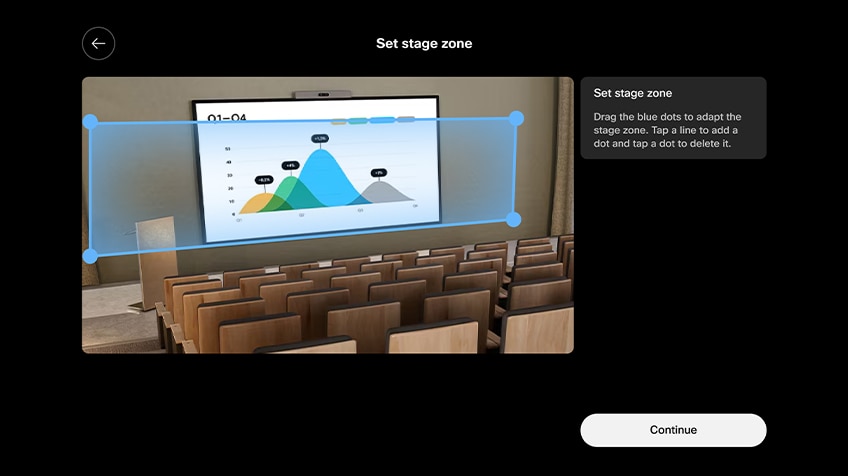
Intuitive setup
Set up PresenterTrack with ease, apply manual controls, and create predefined camera views using rich configuration options for single-touch access from the control panel.
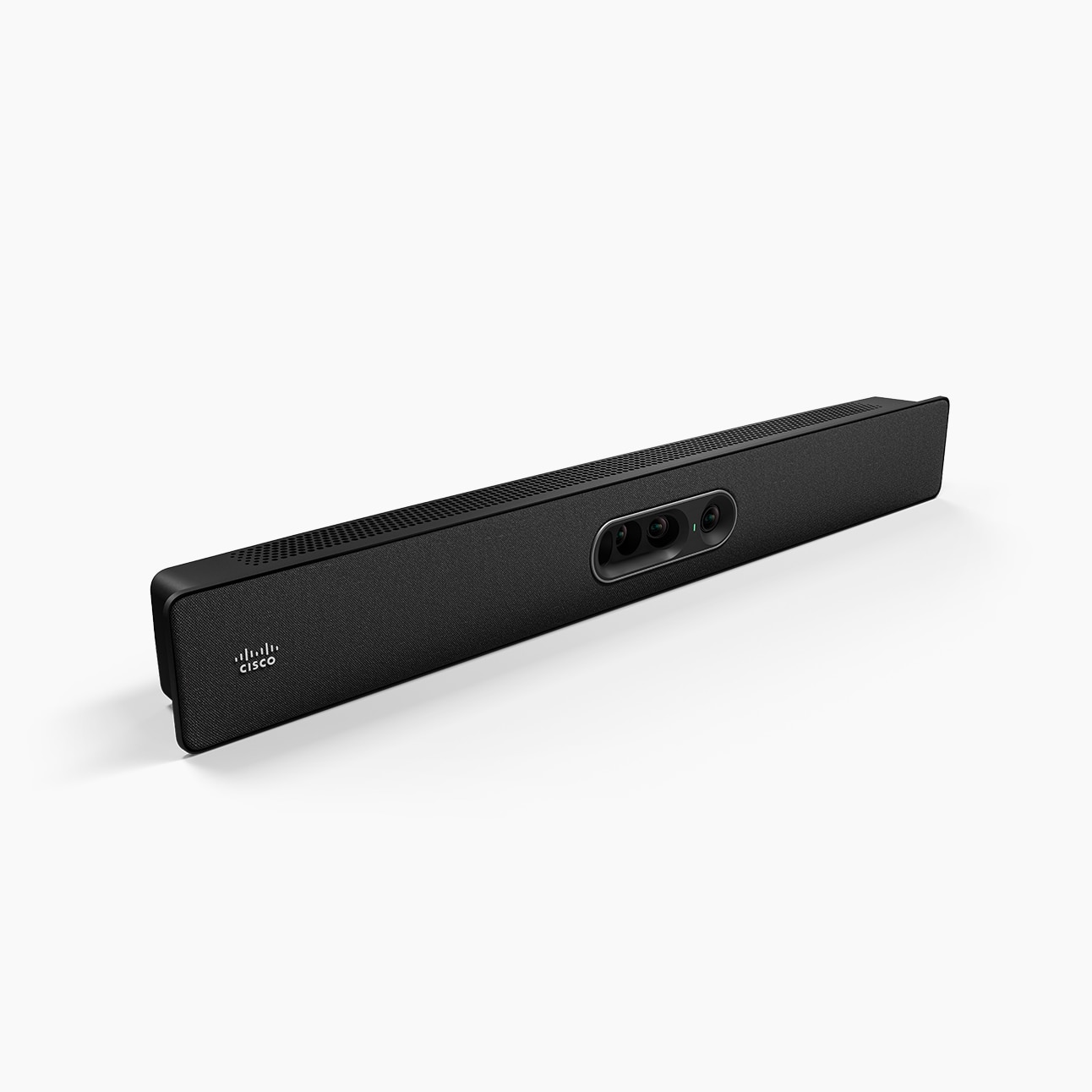
New Innovation
Workspace Designer
Your one-stop interactive room configurator and design guide is here.
Additional resources
Dive deeper.
Data sheets and literature
Support
- Cisco Multi-Camera Director Setup
- Presenter and Audience Multi-camera Experience Setup
- Set up PresenterTrack for Cisco Board and Room Series
- Cross-view and Extended Speaker View Setup
- Select a Camera Mode on Board, Desk and Room Series
- Frames Camera Mode on Board and Room Series
- Spatial Meetings on Cisco Room Bar Pro and Board Pro G2
- Set up a meeting zone on Board, Desk and Room Devices
- Multistream Group and Speaker Mode on Webex for Cisco Devices
- Manually Adjust Camera Settings on Cisco Board, Desk and Room Series
Adoption


